.jpeg)
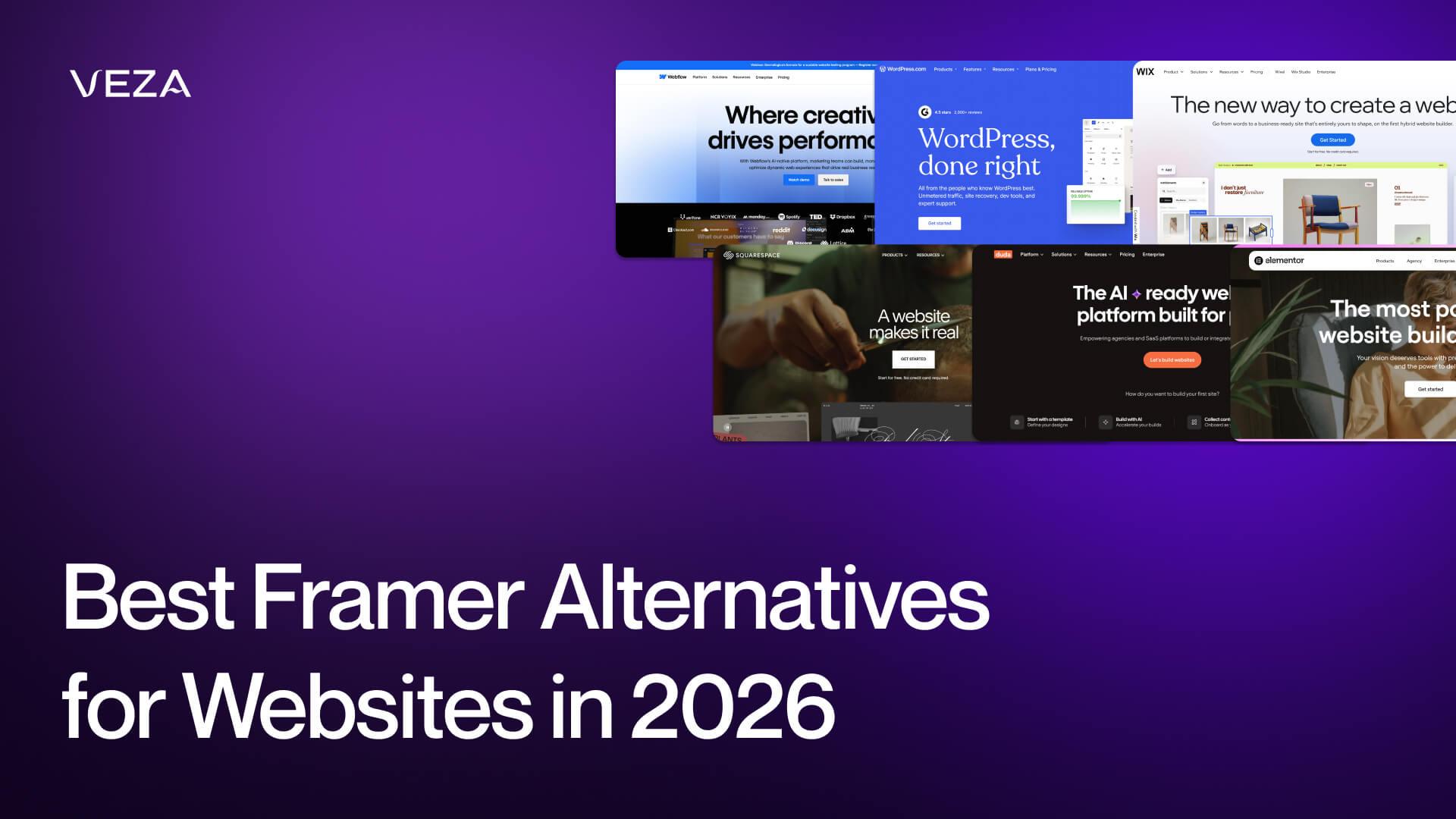
Framer is a very popular website builder among most designers. It offers a quick transition of a Figma layout into a live site, making it a good choice for landing pages and marketing websites. It’s a design-first tool more than a traditional website builder. However, when a project needs to scale, Framer’s limitations become visible. CMS limitation, lack of e-commerce tools, poor SEO management, and code export - all these make you wonder for a Framer alternative.
This guide explores the top Framer alternatives in 2026.
Quick Answer
If you need a powerful CMS, SEO, and structured site management - Webflow is the best Framer's alternative. If you require greater flexibility and more plugin options, WordPress is a solid choice. Squarespace is a good option when you need simple websites with built-in e-commerce. Finally, the best decision depends on your content requirements, technical control, and budget.
Abstract
Framer provides a design-first workflow, fast prototyping, and a powerful Figma-like editing experience. It fits well for designers who want to create modern websites without code. Still, a lot of users seek alternatives when they require more powerful features.
This guide will compare the top Framer alternatives and analyze how to choose a platform to align your website’s goals.
Top Framer Alternatives: 2026 Comparison Guide
Framer Alternatives Introduction
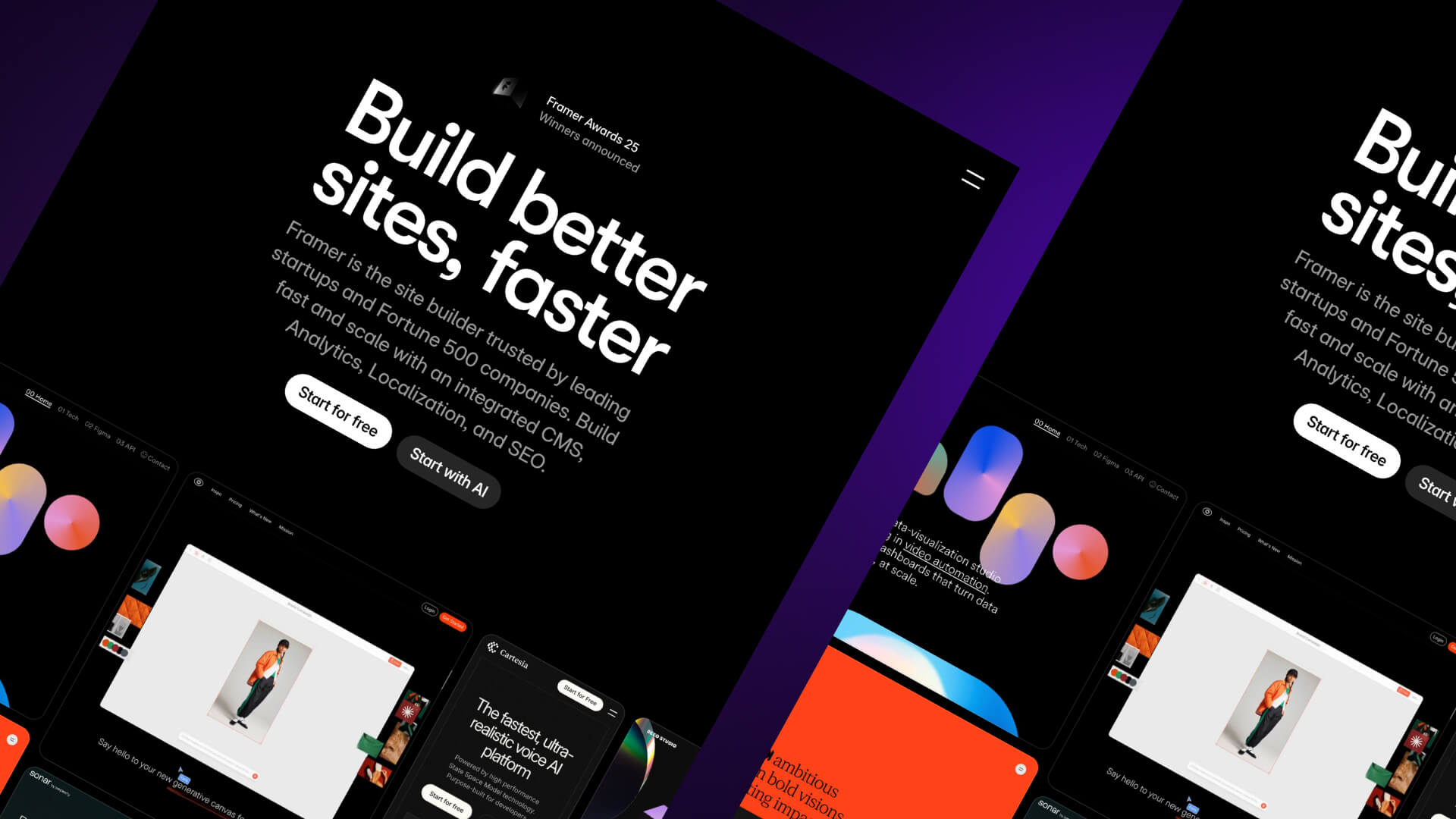
If you’re a designer, Framer will feel very familiar.
It has an editor similar to Figma, where:
- Each element is placed visually
- Layout edit is precise
- Websites are published without touching code
It is the top choice for simple marketing websites that must be launched fast.
Framer is also a rapidly developing company. This website builder raised a $100M Series D round and was valued at $2B in August 2025. The platform currently has a large user base, with over 500,000 monthly users. That expansion indicates a high demand for visual site-building tools that eliminate traditional development.
However, when a website requires growth, many teams hit the limits of Framer.
The first Framer’s limit is the CMS configuration. While Framer is good with smaller content sets, larger ones reach limits of 1,000 to 10,000 items based on the plan. When you publish blogs, directories, documentation sites, or marketplaces, those limits are a bottleneck.
The next limitation is the code export.
When you can’t export production code, you remain stuck to the platform. Teams that want complete control of their codebase tend to migrate to platforms that can be exported or self-hosted.
Another gap is e-commerce because the Framer is not about online stores, but marketing websites. You will require third-party solutions or an alternative platform in case you want product catalogs, payments, inventory, or order management.
Pricing changes are another reason that pushes users back from Framer. In October 2025, Framer decreased the Basic plan to one CMS collection. The change was criticized by many users in the community since it limited smaller projects that depended on various content types.
When considering alternatives, there are several factors to check:
- CMS flexibility and content limits
- SEO tools and control over metadata
- Code export or hosting freedom
- Built-in e-commerce features
- Pricing as your site grows
- Learning curve for your team
Those factors determine whether a platform works for a simple landing page or a full-scale content website.
Framer Alternatives: Comparison Criteria
You must establish clear criteria before you choose any Framer alternative. All of them solve different problems: some focus on design freedom, others on content management or developer control. The following sections explore the key areas that you need to compare.
Design Tools and Features
Framer is the best choice if you want to drag and drop elements on the page, visually adjust layout, and create interactions without code. Meanwhile, it is simple enough to make animations, scroll effects, and responsive layouts.
Layouts can be recreated in a short time by designers who already use Figma. That design-first methodology assists teams in going from concepts to the published page within a short period of time.
When comparing alternatives, consider the following design areas:
- Visual layout control - Are you free to design, or do you have to work with fixed templates?
- Animation tools - Scroll animations, interactions, and transitions.
- Reusable components - Capability to reuse design blocks in more than one page.
- Template ecosystem - Access to high-quality starting templates.
- Responsive design tools - How simple can you make layouts mobile and tablet?
Although there are platforms similar to the visual design style of Framer, there are those that are more oriented towards page building.
Webflow is usually the closest to Framer in this category. It provides good visual design control and also links design items to CMS data. That mix enables you to create dynamic designs of content-driven websites like blogs, portfolios, or directories.
Framer is fast at visual design in short. Competitors are competing with more powerful content systems or more customization.
CMS Capabilities
When your site begins to expand, content management becomes a very important aspect.
Framer has an inbuilt CMS, but the restrictions seem to be reaching their limit soon:
The Basic plan allows a single CMS collection. The Pro plan adds this to ten collections, and the item limits are 1,000 to 10,000 items, depending on the tier.
You won’t feel these limits if you manage small websites (eg, landing pages and portfolios), but for content-heavy websites, this becomes an issue.
The other Framer limitation is in structure, as the platform does not allow nested collection lists. That complicates the creation of categories, directories, or multi-level content systems.
Other platforms are more flexible in terms of structure.
Webflow can handle up to 10,000 CMS items on higher plans and more complicated collection structures. The ability to relate CMS fields to page layouts allows designers to create dynamic pages.
WordPress extends even further since it’s an open-source platform; it doesn’t have any major limitations. Plugins or custom development allow you to create custom post types, taxonomies, and content relationships. It’s one of the most versatile systems that can be used in sites that are highly dependent on content publishing.
To explore how WordPress stands against Webflow, check out our Webflow vs. WordPress comparison.
Code Export and Development Control
The other significant feature to compare is the code export and control.
Framer doesn’t support any of it, while the live website is hosted on the platform itself. While this makes deployment easier, it creates platform lock-in. In case you want to migrate, you will have to recreate the website in a different location.
For some teams, this limitation isn’t decisive; for others, it becomes a long-term risk.
Webflow takes a different approach. You can export clean HTML, CSS, and JavaScript files. That allows developers to host the site on their own servers or integrate it into other systems. It also makes collaboration easier when designers and developers work together.
WordPress provides the highest level of control. Since it is open source, you have full access to the entire codebase. Developers can modify themes, build custom plugins, and host the site anywhere.
This level of access matters for several reasons:
- Avoiding vendor lock-in
- Custom development flexibility
- Easier platform migration
- Direct developer control over code
If your project requires deep customization or long-term scalability, development control becomes a major factor in choosing the right platform.
Framer Alternatives: Feature Comparison Matrix
Legend
- ★★★★★ = Excellent
- ★★★★☆ = Very Good
- ★★★☆☆ = Good
- ★★☆☆☆ = Limited
- ★☆☆☆☆ = Poor
- ✓ = Feature Available
- ✗ = Feature Not Available
Strategic Insight
While Framer dominates in Design & Animation, the matrix clearly shows that Webflow and WordPress are the necessary pivots for clients requiring deep SEO, large-scale content, or ownership of their source code.
Collaboration and Teamwork
Modern websites rarely come from a single person. Designers, marketers, developers, and content editors all touch the same project. A platform needs tools that support that workflow without breaking the design or blocking publishing.
Collaboration Tools
Framer handles real-time collaboration well. Multiple people can work on the same project at the same time. Designers can adjust the layout while another teammate edits text or reviews changes. This shared workspace makes it easier to iterate quickly.
For design teams, this environment feels close to tools like Figma. You see changes live. Comments and edits happen in context. That keeps communication short and focused.
Webflow approaches collaboration from a slightly different angle. The platform separates design work from content editing. Designers build the structure in the main editor. Content teams use the Webflow Editor to update text, images, and CMS entries without touching layout.
Webflow also introduced page branching in beta. Branching lets teams create a working copy of a page, test updates, and merge changes later. That workflow reduces the risk of breaking live pages during edits.
Version control also matters. Teams need the ability to restore earlier versions when something goes wrong. Both platforms support version history and rollback features, though the depth varies by plan. This safety net becomes important when multiple editors publish updates every week.
Strong collaboration tools reduce friction. Designers stay focused on layout. Content teams update material without waiting for development changes.
Agency and Enterprise Support
Big teams need more robust infrastructure, security, and support.
Framer has an enterprise plan that is aimed at agencies and bigger companies. Such plans involve tailored CMS limits, improved collaboration tools, and compliance certifications like SOC 2 and ISO 27001. These standards assist organizations in fulfilling internal security and data needs.
Webflow also offers enterprise-level services. Enterprise customers have access to single sign-on, service level agreements, and SOC 2 Type II compliance. Complex projects and migrations are supported by dedicated support teams and account managers.
The primary issue at this level is scalability. Agencies can have dozens of client sites simultaneously. Enterprise companies have several brand sites in regions and departments.
A platform should be able to support huge content libraries, regular updates, and multiple editors without compromising production. The more collaboration and enterprise characteristics, the more complex web ecosystems can be handled by large teams.
A web platform is not just a platform that offers design tools. It also determines the loading speed of your site, where it is hosted, and the indexing of your content by search engines. Long-term growth is significantly contributed to by performance, hosting infrastructure, and SEO features.
Performance, Hosting & SEO
Framer has built-in hosting for all projects. After publishing a site, the platform serves pages via a global content delivery network. This architecture eliminates the necessity to operate servers or to configure infrastructure.
The negative is platform lock-in. Since Framer does not export code, your site will need to be hosted on Framer. That makes it easy to deploy, but not very flexible in case you want to migrate in the future.
Webflow also offers managed hosting, but on a wider infrastructure stack. Cloud infrastructure sites are operated with CDN networks like AWS, Cloudflare, and Fastly. This architecture assists in distributing the content of the site to the global servers and ensuring the same load time.
Comparisons of performance indicate minor differences across platforms. During a single audit by Gemeos, Framer sites had an average Largest Contentful Paint score of 65. Webflow sites scored 72. The figures differ depending on the site design and the amount of content, but they demonstrate that both platforms can generate fast websites when optimized properly.
Other teams opt to host instead of being fully controlled.
WordPress can be deployed self-hosted. You select your hosting company, server setup, and CDN. This method provides developers with greater freedom to optimize performance, caching, and infrastructure.
Self-hosting is more technical to manage, yet it also eliminates platform limitations.
SEO and Analytics
Search engine visibility often determines whether a website succeeds.
Framer provides basic SEO controls. You can edit page titles, meta descriptions, and open graph tags. The platform also generates XML sitemaps and supports redirects. These features cover fundamental SEO tasks for small marketing sites.
Some limitations appear once you scale internationally. Framer does not support localized slugs for multilingual SEO. That restriction makes it harder to structure URLs for different languages or regions.
Webflow SEO capabilities are deeper. Users can adjust meta tags, create custom sitemaps, and edit structured page settings. The platform also generates clean semantic HTML, which search engines index more easily.
For large content-driven sites, WordPress often offers the most flexibility. SEO plugins extend the platform with advanced features.
Two widely used tools include:
- Yoast SEO
- Rank Math
These plugins add schema controls, keyword optimization tools, advanced sitemaps, and detailed SEO analysis.
Across many developer and SEO communities, the general consensus remains consistent. Webflow tends to perform better for SEO-focused visual site builders, while WordPress provides the deepest optimization options for content-heavy websites.
SEO Capabilities: Framer vs. Alternatives
Key Insight: For SEO-heavy content strategies, Webflow and WordPress offer the most control. Framer handles basics well but lacks advanced technical SEO features like localized slugs and full sitemap control.
Cost and Pricing Plans
Pricing often determines which platform you choose. The monthly fee is only one part of the equation. You also need to consider team seats, localization costs, hosting, and long-term scalability.
Different platforms use different pricing structures. Some charge for site features. Others charge for seats, add-ons, or usage.
Pricing Models
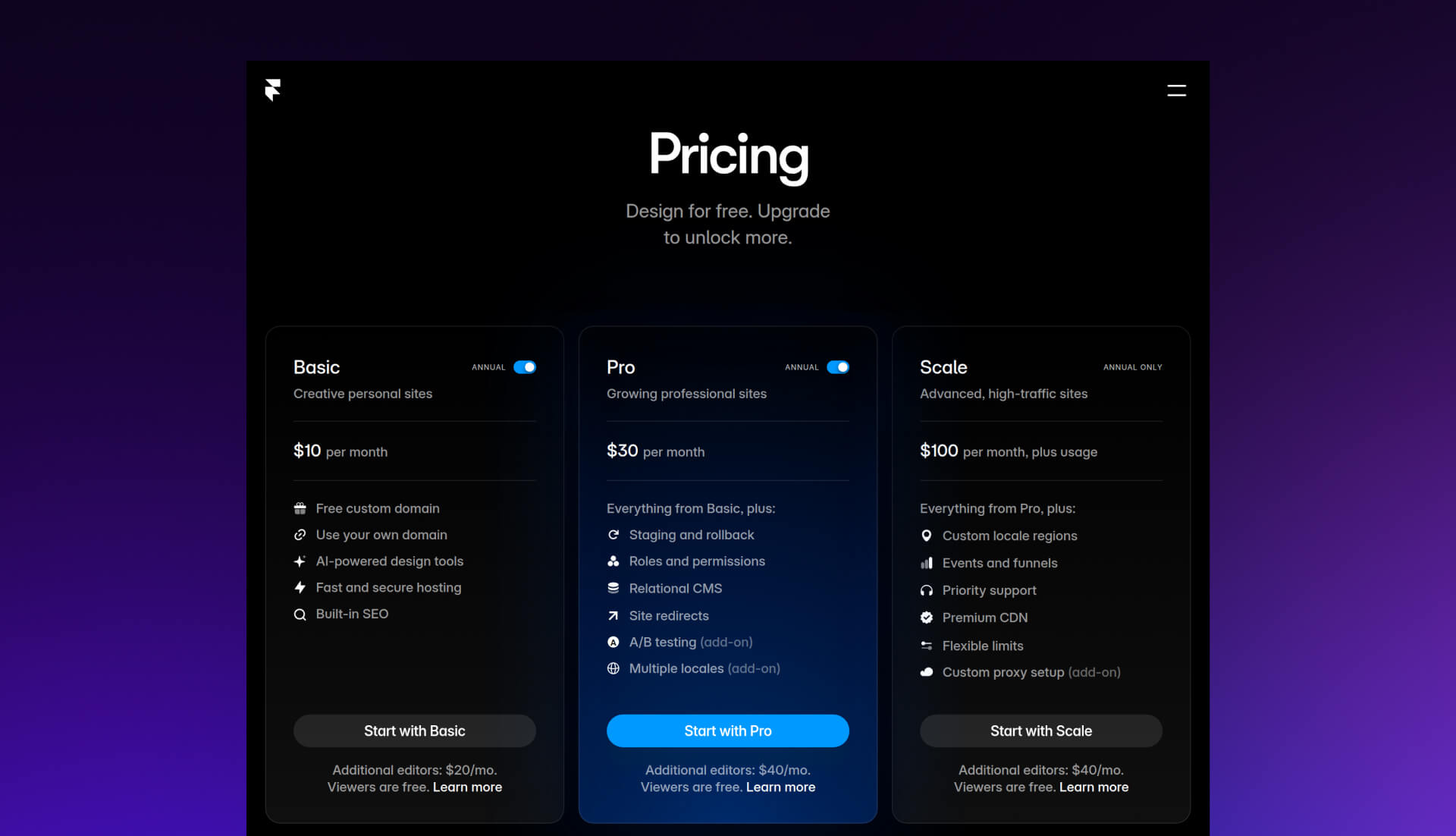
Framer pricing uses a tiered model focused on site complexity and CMS limits.
Typical annual pricing includes:
- Basic: $10 per month
- Pro: $30 per month
- Scale: $100 per month
The Basic plan works for simple websites but includes only one CMS collection. Larger sites require the Pro or Scale plan to expand content limits and team features.
Webflow also uses structured tiers tied to CMS capabilities and traffic limits.
Two commonly used plans include:
- CMS Plan: $23 per month
- Business Plan: $39 per month
The CMS plan supports dynamic content websites such as blogs or directories. The Business plan increases traffic limits and CMS capacity for larger projects. For more information, check the Webflow pricing guide.
Squarespace focuses on bundled pricing that includes hosting, templates, and ecommerce tools.
Typical plans range from:
- $16 per month for basic sites
- $52 per month for advanced e-commerce features
Wix offers one of the widest pricing ranges because it targets both beginners and businesses.
Plans generally range between:
- $17 per month for basic sites
- $159 per month for advanced business and ecommerce features
WordPress works differently. The core software is free and open source. Your main cost comes from hosting.
Most small sites spend:
- $5 to $50 per month on hosting
- Optional costs for themes, plugins, and premium tools
This model provides flexibility but requires more setup compared to managed platforms.
Value Analysis
The monthly price alone does not determine value. The feature-to-price ratio matters more.
Framer delivers strong design tools at a relatively low entry cost. For designers building landing pages or small marketing sites, the platform provides strong visual control without expensive infrastructure.
Costs increase when you add advanced features.
Localization is one example. Framer charges around $40 per locale for multilingual support. If your site operates in multiple languages, the price grows quickly.
Webflow also charges for localization but uses lower tiers, usually between $9 and $29 per locale, depending on the plan.
Team collaboration introduces another cost factor. Framer charges per editor seat, which can increase costs for agencies or larger marketing teams. Webflow provides more flexibility in how editor access works, especially for content teams using the Webflow Editor.
Long-term total cost of ownership becomes important once your site grows.
Consider these factors before committing to a platform:
- Number of team members editing the site
- Size of your CMS content library
- Traffic growth and hosting limits
- Localization or multilingual requirements
- Plugin or integration costs
A platform with a low starting price can become expensive once you scale. The best option balances upfront cost with the features you need over time.
Framer Alternatives: Pricing Comparison (Annual Billing)
Feature Breakdown by Tier
Hidden Costs to Watch
The monthly subscription is rarely the final price. Below are the common "add-ons" that impact the total cost of ownership:
Ease of Use and Learning Curve
Ease of use determines how quickly you can move from idea to a live website. Some platforms prioritize simplicity. Others prioritize flexibility and advanced control. The right choice depends on your experience level and the type of site you want to build.
Beginner Experience
Framer works well for designers. The interface resembles modern design tools, which makes the transition smooth if you already work in visual layout software. Elements sit on a freeform canvas, and you adjust spacing, typography, and layout visually. If you have experience with Figma, the workflow feels familiar.
This approach helps designers publish pages without learning traditional front-end development.
Webflow gives you more control, but the learning curve is steeper. The editor exposes many concepts from web development. You work with structure, classes, layout containers, and responsive breakpoints. Once you understand these systems, Webflow becomes very powerful. The early learning phase takes more time compared to simpler builders.
For non-technical users, platforms such as Squarespace and Wix remain the easiest starting points. Both use structured templates and drag-and-drop editors that require little setup. A beginner can publish a simple site within a few hours.
WordPress sits in the middle. The experience depends on which page builder you use. Tools such as Elementor simplify the process with visual editing. Without a builder, the traditional WordPress interface feels more technical.
The learning curve varies widely because WordPress allows deeper customization.
Documentation and Support
Learning resources often matter as much as the interface itself. Strong documentation helps teams solve problems faster.
Webflow sets the benchmark with Webflow University. The platform offers structured courses, detailed tutorials, and video walkthroughs that explain both design techniques and technical concepts. Many users treat it as a full training library for web design fundamentals.
Framer continues to expand its documentation and community resources. Tutorials, template walkthroughs, and community discussions help new users understand the platform’s design workflow.
WordPress benefits from scale. Because it has existed for many years, the internet contains an enormous amount of guides, tutorials, and troubleshooting discussions. Forums, blogs, and video channels cover nearly every topic related to WordPress development.
In practice, the fastest platform to learn depends on your background. Designers adapt quickly to Framer. Beginners often start with Wix or Squarespace. Developers and advanced users tend to choose Webflow or WordPress for greater control.
Popular Framer Alternatives
Many website builders compete with Framer. Some emphasize design speed. Others prioritize CMS depth, SEO control, or e-commerce tools. The platforms below stand out because they solve common limitations Framer users encounter once their sites grow.
Webflow (Primary Recommendation)
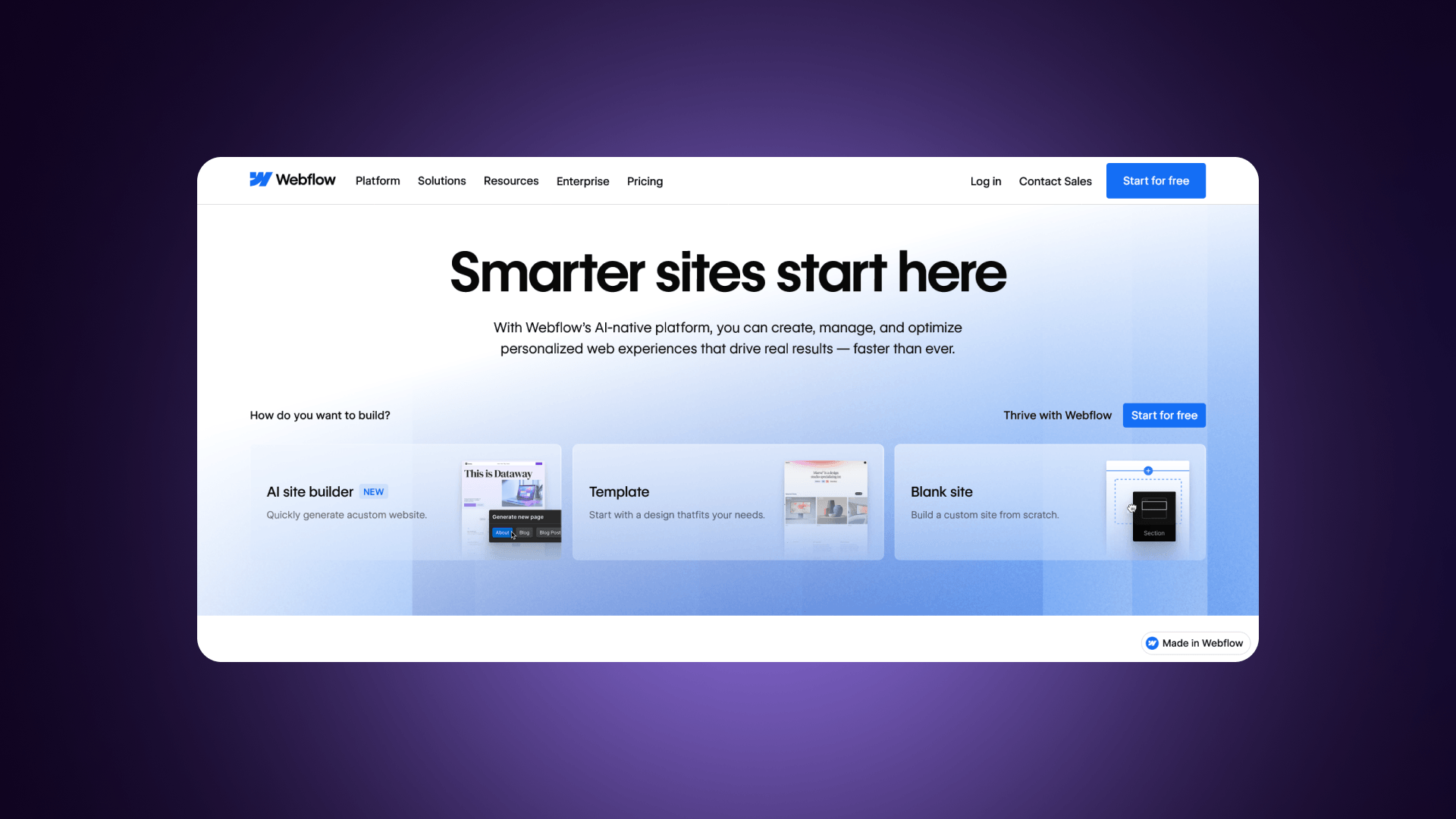
Webflow sits closest to Framer in terms of visual design control, while offering far stronger content management and development flexibility.
Overview
Webflow describes itself as a visual development platform rather than a traditional site builder. Designers build layouts visually, but the platform also exposes the underlying structure of HTML and CSS. That structure allows developers to extend projects without rebuilding designs from scratch.
CMS
The CMS represents one of Webflow’s biggest advantages. Higher plans support up to 10,000 CMS items, which makes the platform suitable for blogs, directories, resource hubs, and documentation sites. Collections also support flexible field structures, allowing teams to connect content directly to page layouts.
Code Export
Code export provides another major difference. Webflow allows users to export clean HTML, CSS, and JavaScript files. That means you are not locked into the platform’s hosting environment. Teams can migrate projects, host them elsewhere, or integrate them into custom systems when needed.
SEO
SEO capabilities also exceed what Framer offers. Webflow provides full control over page titles, meta tags, schema markup, redirects, and sitemap structures. The platform produces clean semantic HTML, which search engines can crawl efficiently. For sites that depend on organic traffic, this level of control matters.
E-commerce
Webflow also includes built-in e-commerce features. Stores can support up to 15,000 products depending on the plan. The system includes product catalogs, checkout tools, and inventory management. While it does not match dedicated e-commercee platforms in every feature, it works well for many design-focused online stores.
Price
Pricing remains competitive:
- CMS Plan: $23 per month
- Business Plan: $39 per month
The platform fits teams building larger websites that require structured content and long-term scalability.
Choose Webflow when you need:
- Large CMS-driven sites
- Strong SEO control
- Flexible design combined with structured content
- E-commerce functionality
- Code export and reduced vendor lock-in
Webflow vs. Framer: Head-to-Head Comparison
Framer still wins in a few areas. Its editor feels faster for rapid design iteration, especially when launching simple marketing pages or MVP projects.
Many companies that rely on Webflow also work with the best Webflow agencies for development and optimization. Veza Digital focuses heavily on Webflow projects, including advanced SEO implementations and performance optimization.
In short, Webflow offers the closest balance between design flexibility and scalable website infrastructure.
Other Notable Alternatives
WordPress
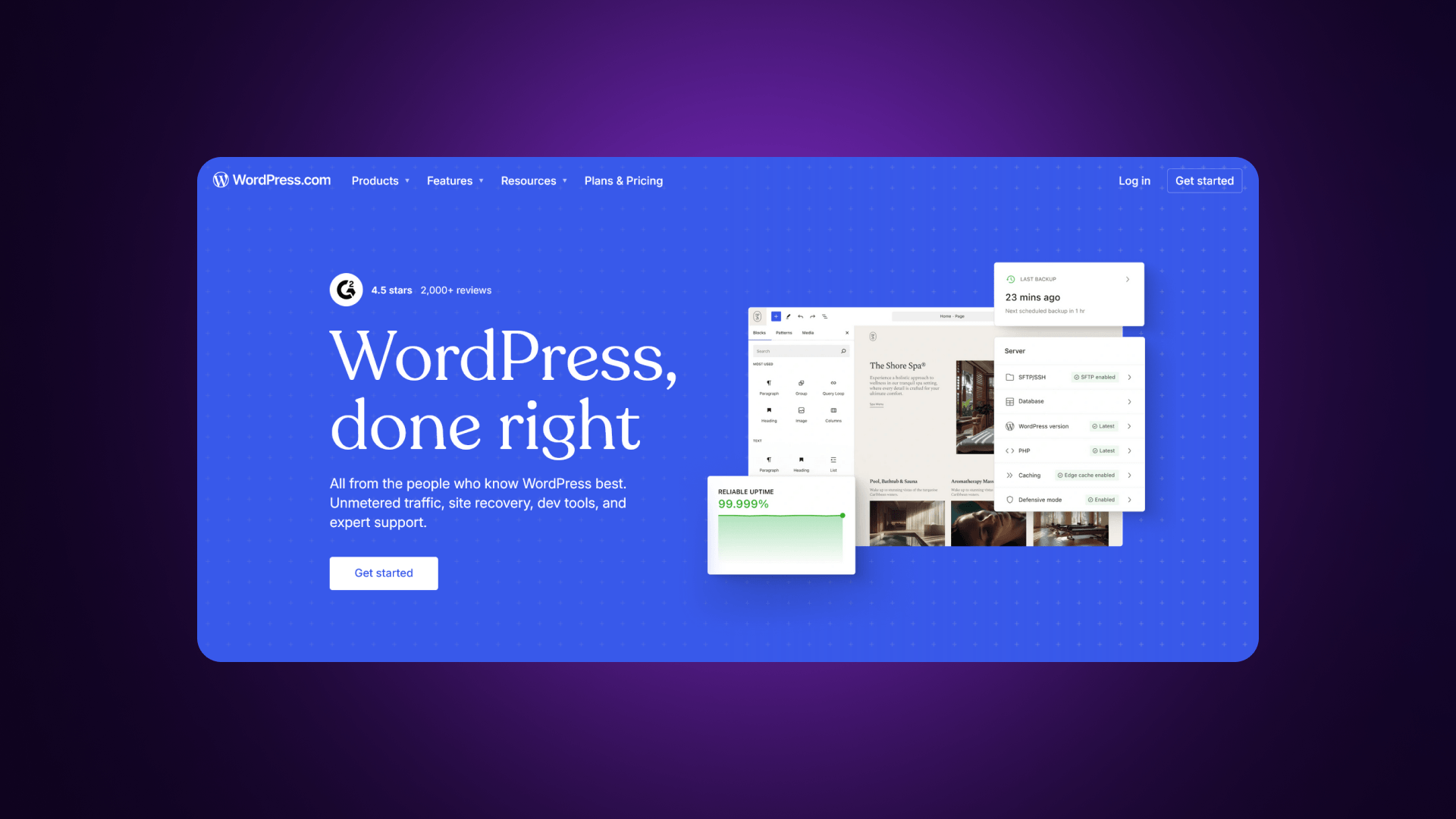
WordPress remains the most flexible CMS available. The platform is open source, which means developers can modify every part of the system. Content limits are effectively unlimited, and the plugin ecosystem supports thousands of extensions.
For SEO-heavy websites, WordPress offers exceptional control. Plugins such as Yoast SEO and Rank Math add advanced optimization features, including schema markup, keyword analysis, and custom sitemaps.
The downside is maintenance. Site owners must manage hosting, updates, backups, and security. WordPress works best for teams that need full customization and large content libraries.
Best use cases include blogs, editorial websites, knowledge bases, and fully customized marketing platforms.
Wix
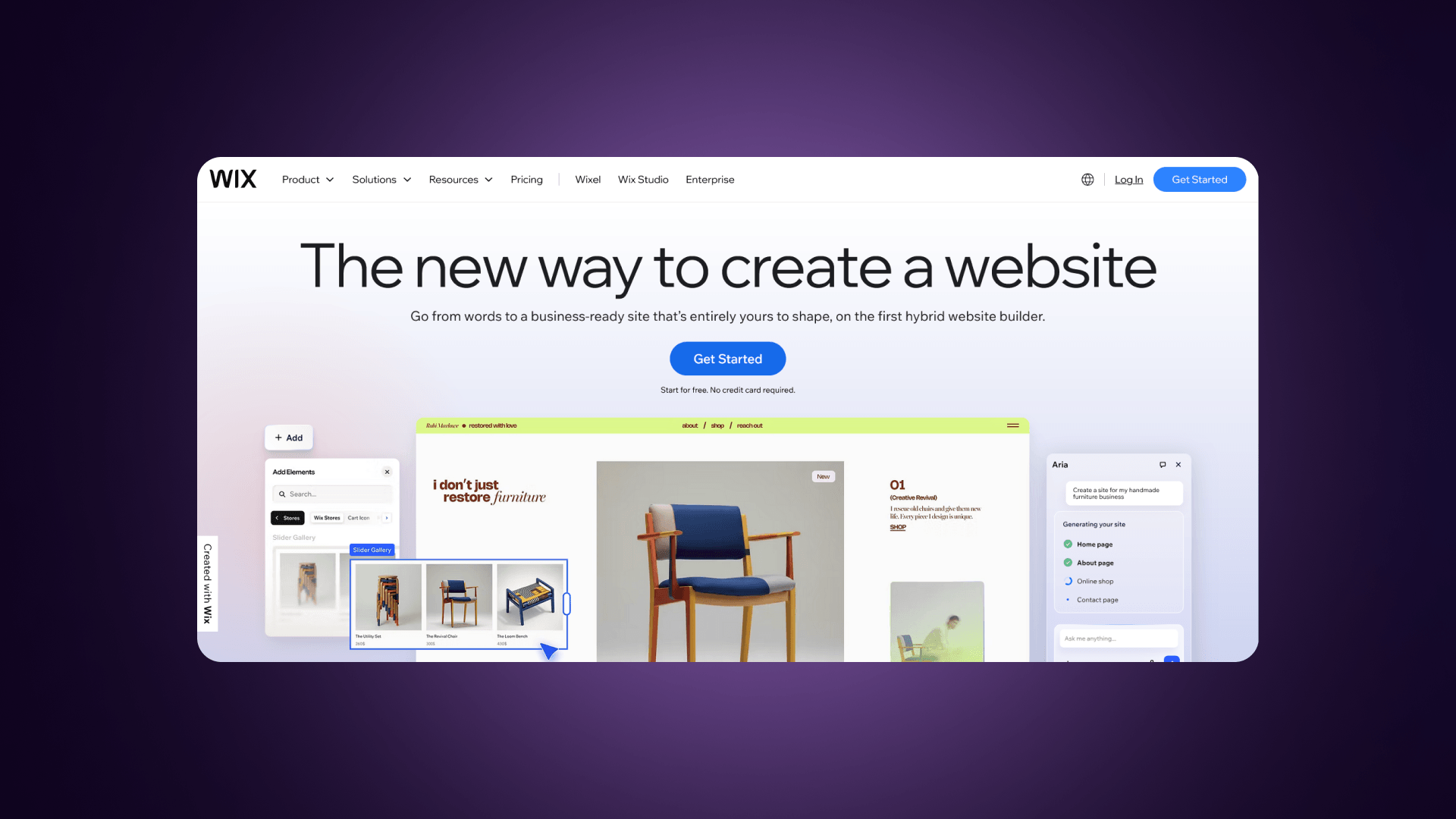
Wix focuses on simplicity. The platform includes a beginner-friendly visual builder and AI tools that generate website layouts automatically. Built-in ecommerce features and multilingual support help small businesses launch quickly.
Design control does not match Framer or Webflow. Templates guide much of the structure, which limits advanced layout customization. Still, Wix remains one of the easiest platforms for non-technical users to launch a functional website without external help.
It works best for small businesses, local services, and first-time website owners.
For more information, read our Webflow vs Wix comparison.
Squarespace
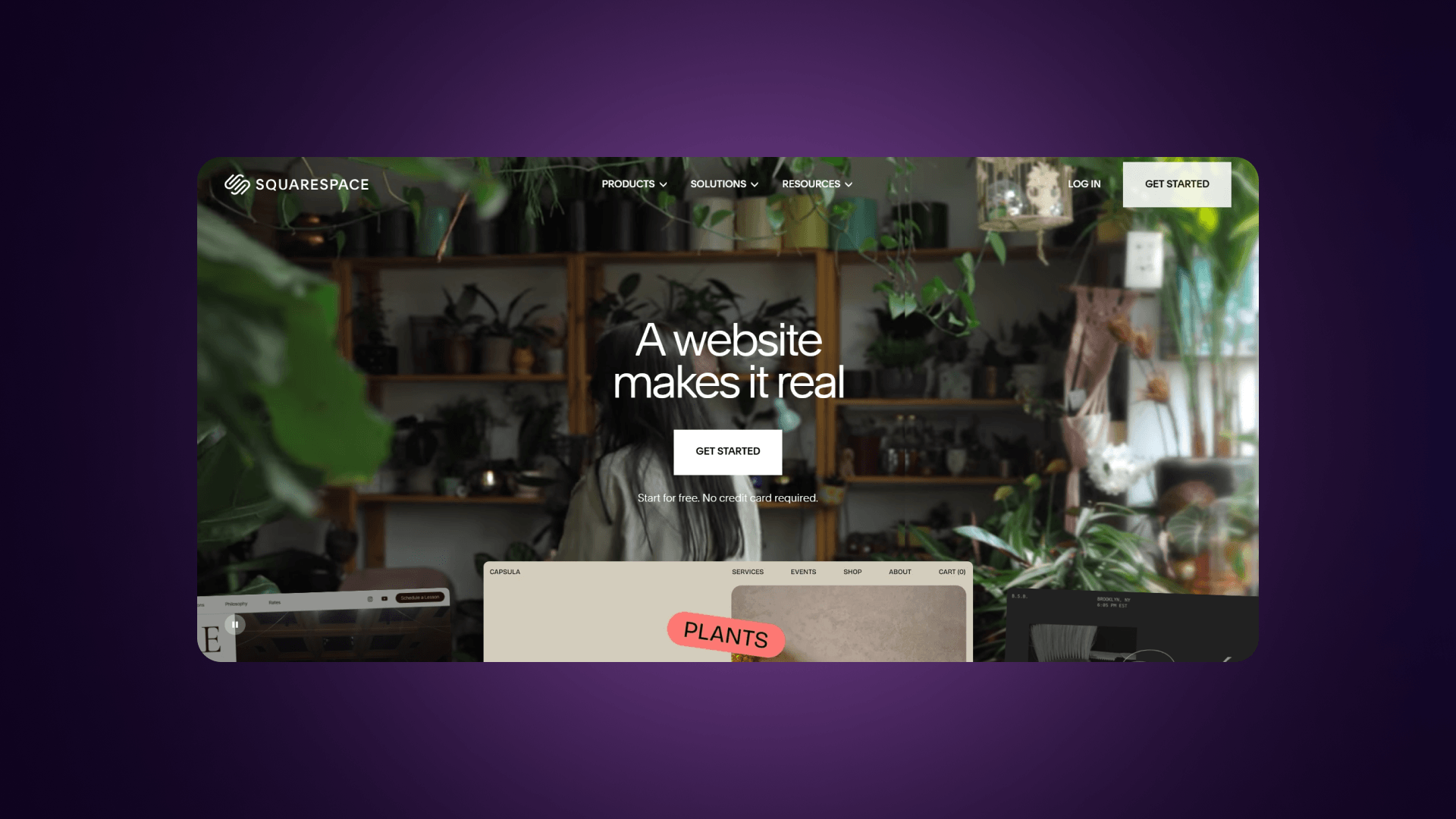
Squarespace provides an all-in-one website platform with polished templates and integrated business tools. Users can manage e-commerce, bookings, forms, and invoicing within the same system.
The design environment is structured rather than fully freeform. You work within template frameworks instead of building layouts from a blank canvas. This limits advanced customization compared with Framer or Webflow.
Squarespace performs well for portfolios, creative professionals, service providers, and small businesses that want a professional site without managing complex tools.
For more information, read our Webflow vs Squarespace comparison.
Figma
Figma is not a website builder, but a design and prototyping platform used during the planning phase of a website project.
Teams create page layouts, design systems, and interactive prototypes before moving to development. Real-time collaboration and reusable components help design teams maintain consistent visual systems across projects.
To publish a website, designers must transfer those designs into a platform such as Framer or Webflow.
Platform Positioning Matrix
Platform Strategic Zones
- Wix Zone: Occupies the Bottom-Left quadrant. It is the go-to for beginners, extending slightly toward the right as its native ecommerce features allow for moderate complexity.
- Squarespace Zone: Firmly in the Bottom-Left. It is the leader for high-aesthetic, low-maintenance portfolios and small business sites.
- Framer Zone: Positioned in the Left-Center. It requires a higher design skill (Figma-like) but is currently optimized for marketing sites rather than deep database complexity.
- Webflow Zone: Spans the Center-Right. It bridges the gap between designers and developers, offering the "low-to-medium skill" path to building highly complex, CMS-driven sites.
- WordPress Zone: Dominates the Top-Right. It offers the highest ceiling for complexity and flexibility but demands the most technical maintenance and skill to manage securely.
The Overlap Zone
There is a significant overlap between Webflow and Framer for design-forward marketing sites. Both attract the same "design-first" demographic, but they diverge as soon as a project requires a robust backend.
Key Insight: Framer and Webflow share the design-forward space, but Webflow extends further into complex CMS and ecommerce territory. For scaling sites, Webflow provides more headroom and a smoother path from simple landing pages to enterprise-grade web apps.
More Platforms Worth Mentioning
Duda
Duda focuses heavily on agencies that manage multiple client websites. The platform includes client management tools, white-label capabilities, and site duplication features that help agencies scale their workflows.
Elementor
Elementor adds visual page building to WordPress. It simplifies layout creation while keeping the flexibility of the WordPress ecosystem.
Builder.io
Builder.io takes a headless CMS approach. Developers connect the visual editor to modern frameworks and custom applications, which makes it suitable for highly customized web experiences.
Decision-Making Guide
Choosing between Framer and its alternatives depends on what your website needs to do over time. Start by identifying your priorities. Design speed, content scale, SEO requirements, and long-term flexibility all influence the right choice.
Use the framework below to narrow the decision.
Finding the right platform is less about "which is best" and more about "which fits your project's roadmap." Based on the article's insights, this flowchart will help you navigate the decision-making process.
The Decision Flowchart
START: What is your primary need?
- Design/Prototyping Only?
- 👉 Recommendation: Stay with Framer or use Figma.
- A Live Website with Content/CMS?
- Question 1: Do you need more than 1,000 CMS items?
- NO: Framer may still work for you.
- YES: Move to Question 2.
- Question 2: Do you need production code export?
- YES: Choose Webflow or WordPress.
- NO: Move to Question 3.
- Question 3: Do you need native ecommerce (carts, inventory, checkout)?
- YES: Choose Webflow, WordPress, Squarespace, or Wix.
- NO: Move to Question 4.
- Question 4: What is your technical skill level?
- Low: Squarespace or Wix.
- Medium: Webflow.
- High: WordPress.
- Question 1: Do you need more than 1,000 CMS items?
Quick Platform Matcher
Strategic Recommendation
As the article notes, the most common migration in 2026 is from Framer to Webflow. This usually happens when a "design-first" landing page needs to transform into a high-performance marketing machine with a structured blog and advanced SEO.
Choose Webflow if your site requires:
- Large CMS collections and structured content
- Clean code export for migration flexibility
- Strong SEO control and technical optimization
- Native ecommerce capabilities
- Long-term scalability for growing websites
Webflow works best for marketing teams, SaaS companies, and content-driven sites that expect steady growth.
Choose Framer if your focus is:
- Rapid prototyping of marketing pages
- Design-first workflows for MVP projects
- Fast launches without deep CMS needs
- Strong visual animation and interaction design
Framer helps designers move quickly from concept to a live landing page.
Choose WordPress if you need:
- Maximum customization and full code control
- Large content libraries, such as blogs or resource hubs
- Flexible integrations through plugins
- Lower long-term costs with self-hosted infrastructure
WordPress remains one of the strongest platforms for large publishing sites.
Choose Squarespace or Wix if your goal is:
- Simple site creation without technical setup
- Built-in templates and guided editing
- Quick website launches for small businesses
- Minimal maintenance and configuration
These platforms prioritize ease of use over deep customization.
For organizations planning to scale marketing websites, Webflow often becomes the strongest balance between design flexibility and structured content management. Agencies such as Veza Digital specialize in building and optimizing Webflow sites for growth-focused companies.
Simple Decision Flow
- Need fast design prototypes - Framer
- Need scalable CMS and SEO - Webflow
- Need full customization and open platform - WordPress
- Need a simple business website - Squarespace or Wix
Outgrowing Framer?
Webflow gives you the CMS, SEO, and e-commerce tools to scale.
Veza Digital is a premier Webflow agency that helps design-forward companies build sites that actually perform. Whether you’re migrating a design from Framer or starting a high-growth project from scratch, we build scalable, pixel-perfect sites that drive measurable results.
Our Specialized Services:
- Framer to Webflow Migrations: Seamless transitions without losing SEO rank.
- Scalable CMS Architecture: Built for thousands of items and complex data.
- Advanced SEO Optimization: Technical setups that dominate search results.
Stop hitting limits. Start scaling your digital presence.
Get a Free Webflow Strategy Session
FAQ
What is the best free Framer alternative?
The strongest free alternative to Framer depends on your goal. WordPress offers the most flexibility because the software itself is free and open source. You only pay for hosting. If you want a visual builder with a free tier, Wix provides templates and drag-and-drop editing that beginners can use without technical knowledge.
Is Webflow better than Framer?
Webflow works better for larger websites that rely on CMS content, SEO optimization, or e-commerce features. Framer works better for fast design-driven projects and landing pages. If your site will grow with blogs, resources, or structured content, Webflow usually offers more control.
Can I export code from Framer?
No. Framer does not allow production code export. When you publish a site, it runs on Framer hosting. This creates platform lock-in. Tools such as Webflow allow export of HTML, CSS, and JavaScript files, which gives developers more flexibility for migration or custom hosting.
Does Framer have e-commerce?
Framer does not include full native e-commerce features. You can connect external tools for payments or product listings, but the platform does not offer a complete store system. Platforms like Webflow, Squarespace, and Wix include built-in ecommerce features.
What are Framer's CMS limitations?
Framer limits CMS collections and item counts depending on the plan. The Basic plan allows one CMS collection. Higher plans increase limits to multiple collections with a maximum range between about 1,000 and 10,000 items. Large content websites may outgrow these limits quickly.
Is Framer good for SEO?
Framer includes standard SEO controls such as meta tags, page titles, sitemaps, and redirects. These tools work well for small marketing sites. Advanced SEO features, such as deeper content structures or multilingual URL control, remain limited compared with platforms like Webflow or WordPress.
How does Framer compare to Figma?
Figma focuses on interface design and collaboration. Framer takes that design workflow and adds website publishing. Many teams design layouts in Figma first, then rebuild the final site in Framer or Webflow.
Can I migrate from Framer to Webflow?
Yes, but the migration is manual. Since Framer does not export production code, designers must recreate layouts and content inside Webflow. Many agencies help with this process by rebuilding the design structure while improving CMS organization and SEO settings.
Is Framer worth the price?
Framer provides strong value for design-focused teams. The platform allows designers to build polished marketing pages without developers. The price becomes harder to justify for large websites that require deeper CMS tools or advanced integrations.
Which platform is best for portfolios?
Framer works well for modern portfolio sites because it supports animations and flexible layout design. Squarespace also remains popular for portfolios thanks to its professional templates and built-in hosting.