Webflow MCP Readiness Checklist: is your Webflow site ready for agents?
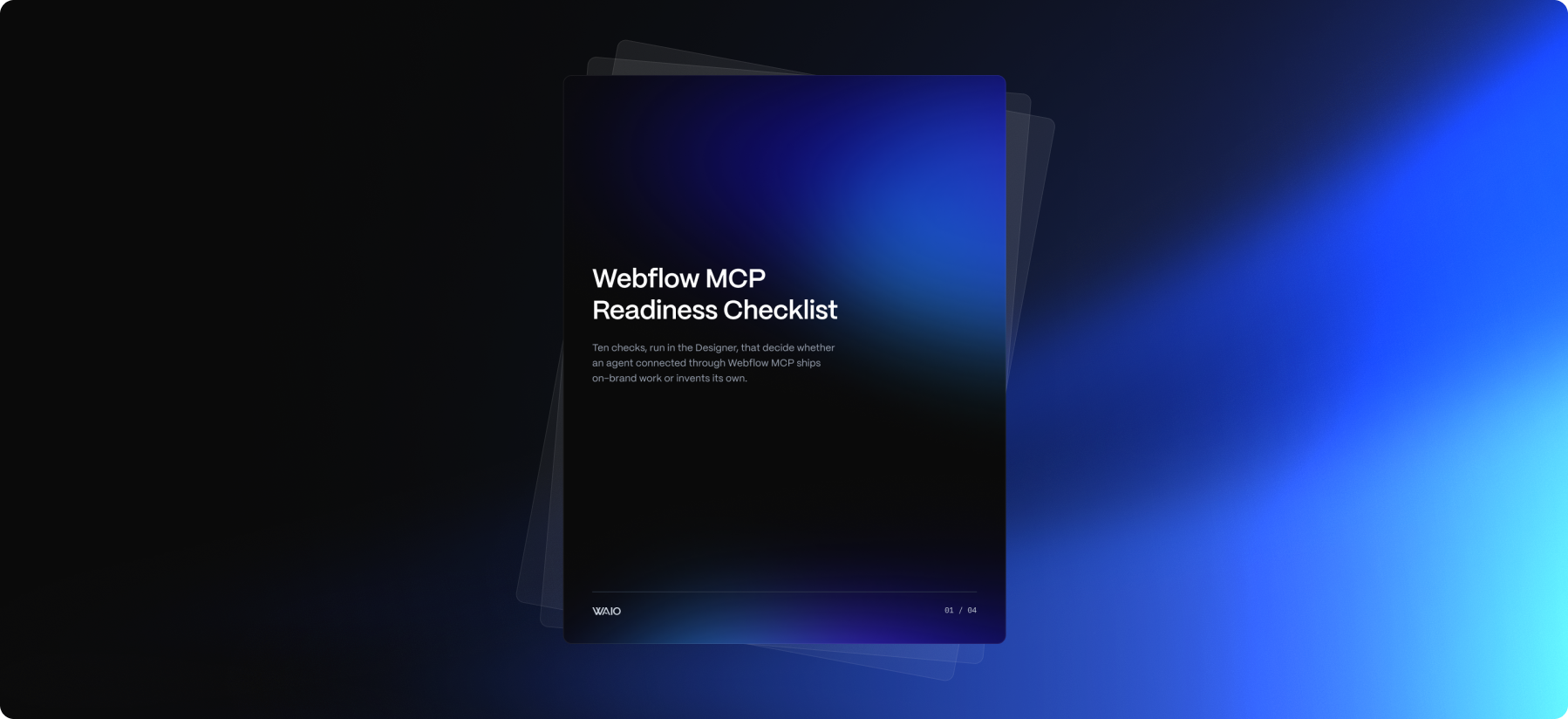
Ten things to check before connecting your Webflow website to Claude or ChatGPT. AI tools can scale, but they can also scale a messy site. This ebook helps you to set up the foundations to ship on-brand work with Webflow MCP.
About this ebook
An agent connected to your Webflow site works from what it can read: your variables, your components, your class names, your CMS schema, and your agent instructions file.
When those are in order, it ships work you can approve. When they're missing, it guesses, and the guesses are consistent with nothing but each other.
These are the ten things we check before pointing any agent at a Webflow site. Half of them are decisions rather than code: which seat the agent uses, what a person has to approve, what the instructions file says agents may never touch.
What you'll learn
- Five structure checks. Agent instructions a person has edited, design tokens as variables, components instead of copies, one naming convention, semantic page structure. This is what an agent reads before it builds anything.
- Three governance checks. Work on a branch or in staging rather than live, a least-privilege seat for the agent, and a written approval rule. Human approval is the default we work to, and the checklist assumes it's yours.
- Two hygiene checks. A CMS that describes itself, and custom code registered rather than pasted into embeds across the site.
Each item comes with what to check, why an agent cares, and how to verify it in the Designer. Score yourself out of ten and read what your score says about what to automate first.
10 checks. 1 afternoon in the Designer.

Got Questions?
Do I need Webflow MCP set up to use this?
No. Every item is about the site, not the connection. A site that passes is ready for MCP, for Source and the agentic tools around it, and for whatever ships next; a site that fails will fail with all of them.
Is this only for enterprise sites?
No. The items are the same at any size. Enterprise teams tend to have items 7, 8, and 9 (governance) partly in place already; smaller teams tend to have none of the three written down.
How long does it take to run?
About an hour in the Designer for the structural items, plus a conversation with whoever owns publishing for the three governance items. Nothing on the list needs a paid tool.
What is WAIO Foundations?
Webflow development and migration that builds your site so people, search engines, and AI systems can all read it. For an existing site, it is the ten items on this checklist done properly. It is the first stage of the WAIO Framework, the three-stage path to AI maturity.
Get the checklist
Ten items, one afternoon in the Designer, and a clear answer on whether your site is ready for the agents that are already arriving.