.jpg)
Choosing a CMS in 2026 isn’t merely a technical choice, but a business one. Teams looking to assess and evaluate Webflow vs. Sanity often find they are weighing up two opposing philosophies - an all-in-one visual platform versus a headless, developer-first content backend.
Sanity is powerful, flexible, and extensible, making it ideal for certain use cases. However, many teams use it because they think it’s the future, and not because their website actually needs it.
This guide takes an honest look at Webflow vs. Sanity, focusing on real-world use cases, trade-offs, and outcomes. No matter the type of website you’re looking to build, this is a comparison that helps you decide whether headless CMS flexibility makes sense for you.
Featured Snippet
Webflow vs. Sanity: the quick answer. Choose Webflow if you need an all-in-one platform for marketing websites, with plenty of visual design flexibility and marketing autonomy. Choose Sanity if you want a headless CMS that can power your content across multiple frontends.
In most cases, B2B SaaS and marketing websites will benefit from Webflow due to its simplicity, speed to launch, and total ownership cost. This removes the complexity of having to build and maintain a separate frontend.
Abstract
Webflow and Sanity ultimately solve different problems, but they are often incorrectly compared as though they do the same thing. This guide provides a practical comparison of Webflow and Sanity in 2026, exploring features, design workflows, scalability, and use case.
As a Webflow agency, we’ve helped teams evaluate both platforms and consistently find that Webflow serves most marketing websites and B2B SaaS teams better. This comparison is designed to help you make the best possible CMS decision to meet your actual needs.
Webflow vs. Sanity Comparison Table
Quick Decision Guide:
- Building a marketing website? → Webflow
- Need marketing team to update content independently? → Webflow
- Content serves multiple platforms (web + mobile app)? → Sanity
- Enterprise with complex content architecture? → Sanity
- Want to launch in weeks, not months? → Webflow
- Developer team wants maximum flexibility? → Sanity (but question if you need it)
Overview of Webflow and Sanity
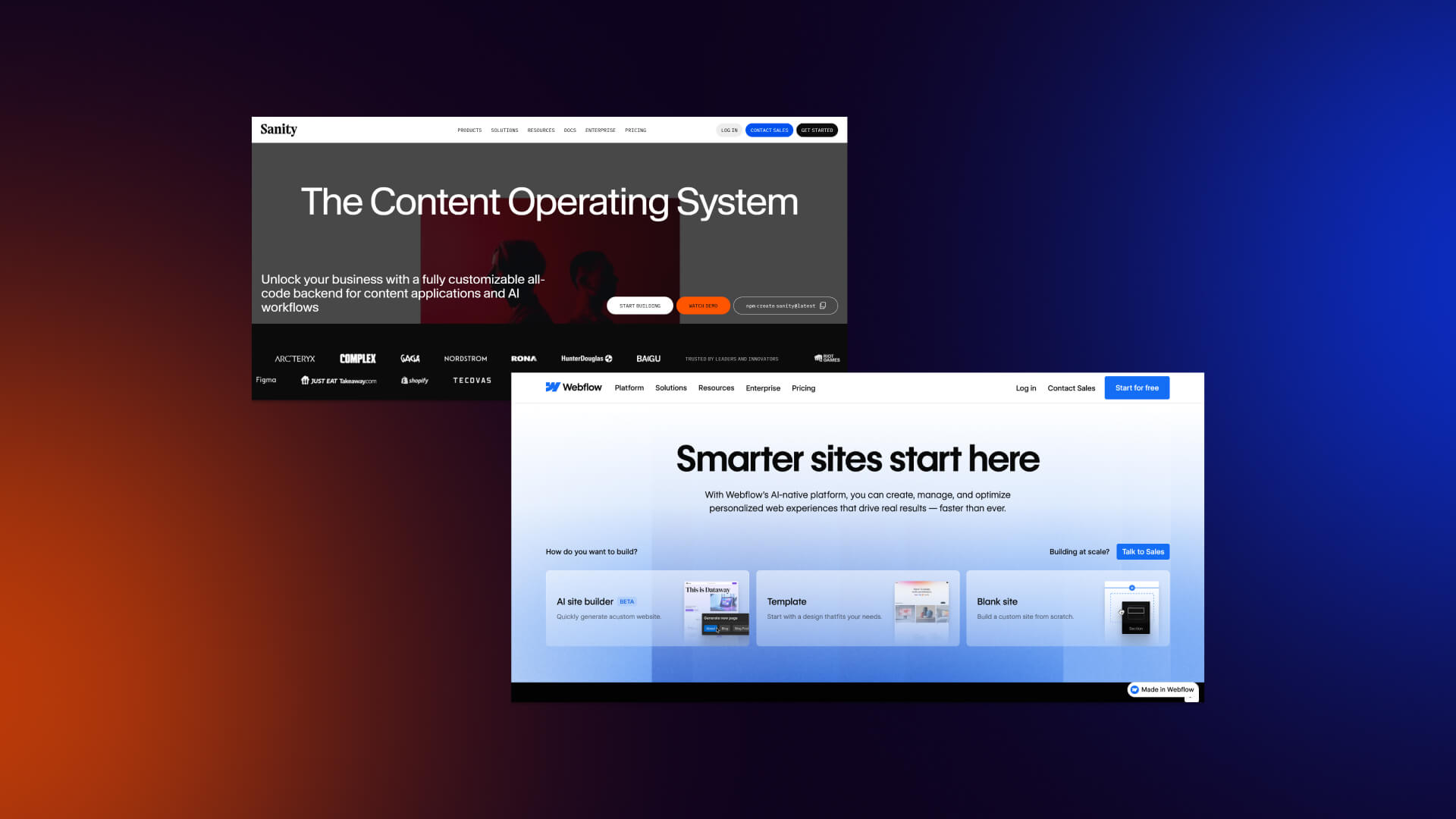
Webflow and Sanity are often compared during CMS evaluations, but they aren’t direct competitors in the traditional sense. They solve different issues, and are designed for different types of times. Understanding what each platform actually does, as well as what it doesn't do. This is vital before making CMS decisions that are going to impact speed, cost, and long-term ownership.
What is Webflow?
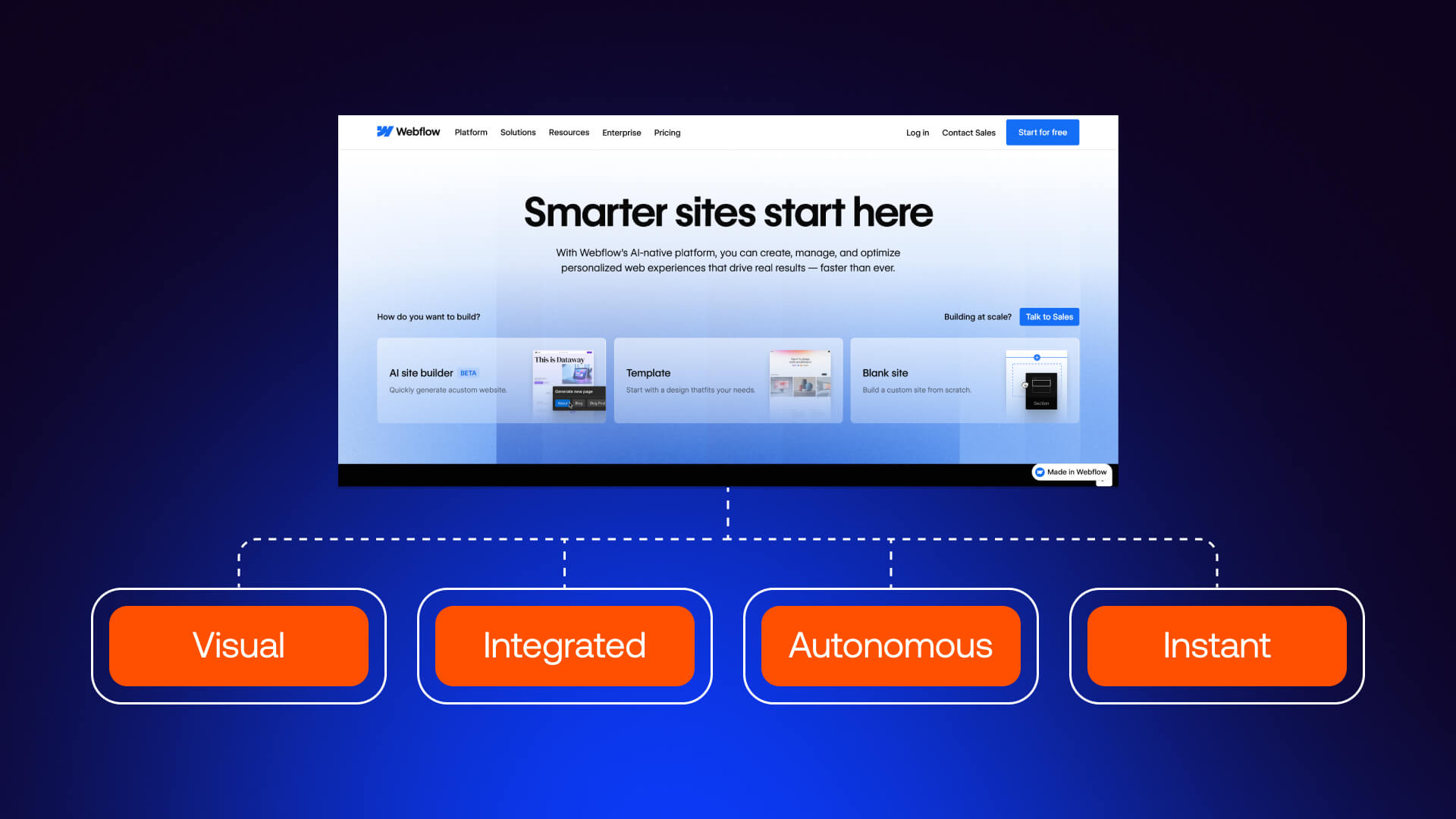
Webflow is a visual web design and development platform that helps business owners with design, CMS, and hosting. It allows teams to make design decisions directly into the browser, helping you manage dynamic content through a built-in CMS, and publish to globally distributed hosting without relying on custom frontend development.
Webflow is typically used for marketing, B2B SaaS, and agency websites, and landing pages. Visual CMS supports blogs, resource hubs, team pages, and other structured content, while providing non-technical users the chance to update their content efficiently.
The platform is popular with marketing teams and designers who seek speed and autonomy. Changes can be designed, previewed, and published without code deployment, reducing bottlenecks and shorter time to launch. Hosting, security, and performance are included in this, and Webflow removes a lot of operational overhead.
At its core, Webflow is an all-in-one system, which makes it perfect for teams looking to move quickly without compromise.
What is Sanity?
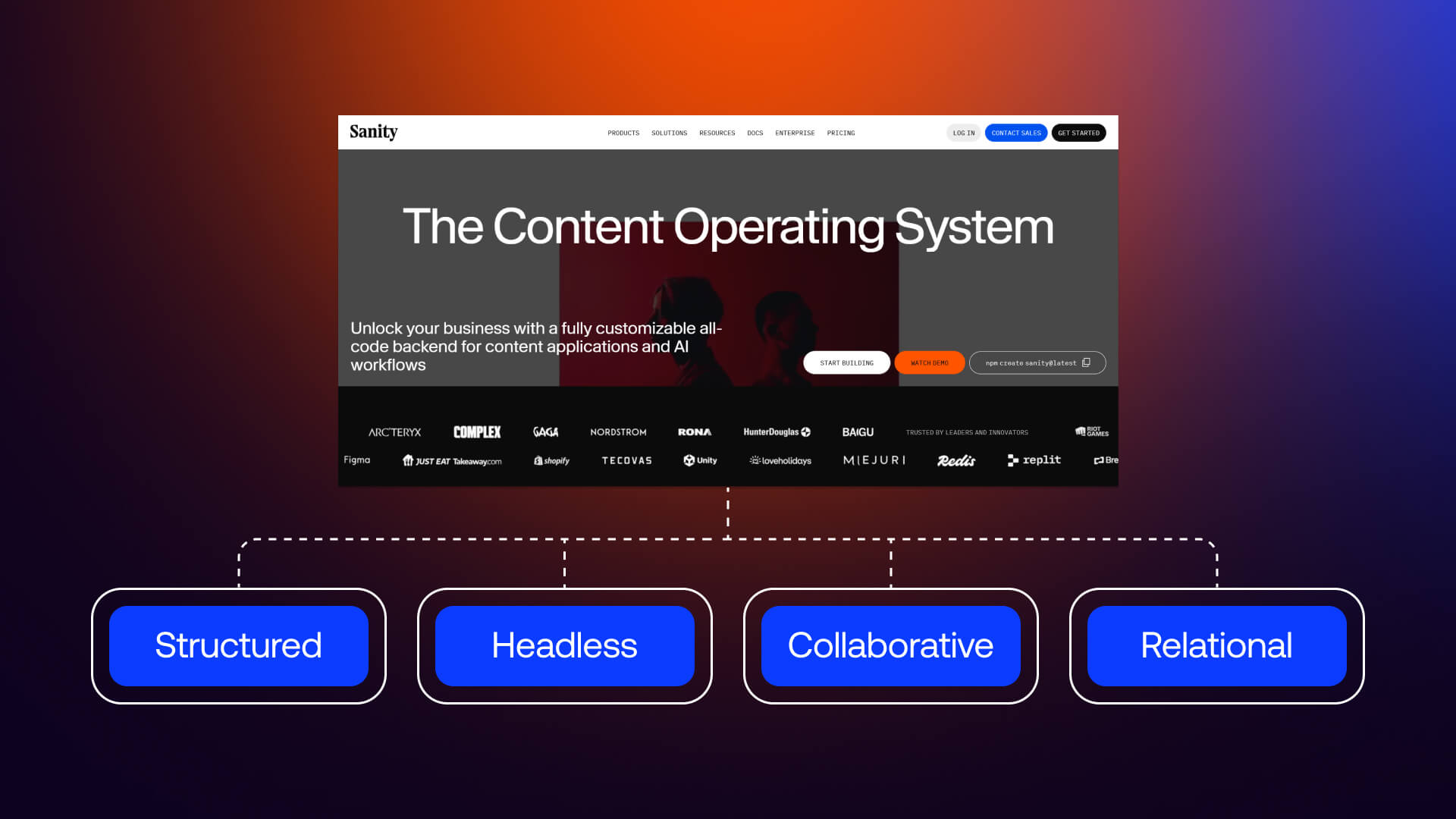
Sanity is a headless CMS that focuses exclusively on content management. Unlike Webflow, Sanity does not provide design tools or hosting, but instead acts as a content backend that delivers structured data.
Sanity is ideal for developer-led teams building custom experiences across multiple platforms. Typical use cases include content platforms, enterprise content operations, applications requiring structured data, and organizations serving content to websites, mobile apps, and other digital products simultaneously.
The defining feature is schema-based content modeling. Content types are defined in code, providing unlimited flexibility and deeply relational structures. Sanity is essential for real-time collaboration, and gives control over content workflows at a granular level, which makes it attractive to large teams.
But it’s important to understand that Sanity also requires separate frontend development and external hosting. This adds complexity, cost, and longer implementation timelines, especially for launching and managing marketing websites.
The Fundamental Difference
The fundamental difference between Webflow and Sanity comes down to scope and complexity.
Webflow is an all-in-one platform, with things like design, CMS, and hosting provided out of the box, which allows your teams to launch faster.
Sanity, on the other hand, is a content backend only. It provides maximum flexibility, but requires a custom frontend, hosting setup, and ongoing development support.
The key consideration here is whether your content needs to power multiple platforms beyond your website. If this sounds like something that resonates with you, a headless CMS like Sanity might be justified. If your focus is a marketing website, Webflow is the more practical choice.
[PLATFORM ARCHITECTURE DIAGRAM]
Feature Comparison
When teams compare Webflow vs. Sanity, the real differences show up at the feature level. Both platforms are capable, but they also need to optimize for different workflows, skill sets, and business requirements. In this section, we break down how each platform approaches modeling, design, collaboration, integrations, performance, and security.
Content Management and Modeling
Webflow’s CMS is optimized for visual content modeling. Content types are created by using collections with pre-built field types such as text, images, references, and multi-references. The relationship between content items is easy to set up without code, and this makes Webflow essential for things like blogs, resource hubs, and market-driven content. CMS limits are plan-based, with bigger thresholds available at Enterprise level.
The same trade-off appears across headless CMS evaluations, which you can find out more about in our Webflow vs. Contentful comparison study.
Sanity takes a fundamentally different approach, with content models defined using schemas written in code, and this allows for unlimited flexibility. This enables highly complex content architectures, custom field logic, and deeply rational datasets. Importantly, Sanity does not have content limits, operating on a usage-based model, which makes it ideal for content-heavy platforms and large-scale content operations.
The trade-off is accessibility. The fact that Webflow has a low learning curve means it is perfectly accessible, while Sanity’s modeling power comes with a cost of ongoing maintenance.
Comparison:
Winner: Sanity for complex, large-scale content platforms. Webflow for standard marketing content.
Key insight: If you’re building content with lots of interrelated items, Sanity is the perfect choice, whereas for marketing websites with predictable structures, Webflow is ideal.
Design and Frontend
Webflow includes a fully integrated visual designer, allowing teams to design directly in the browser with respective controls, interactions, and animations. Design and CMS connect seamlessly, meaning content changes and layout updates occur in the same environment.
For teams prioritizing speed, autonomy, and predictable delivery, this is often what leads to Webflow development services replacing traditional builds.
Sanity does not include any design or fronted capabilities. It delivers content via APIs to separately build frontend, using frameworks such as React, Next.js, or Vue. This provides total design freedom, while also requiring frontend development, deployment infrastructure, and long-term technical ownership.
The choice is basically speed versus flexibility. Webflow prioritizes fast iteration and simplicity, while Sanity prioritizes customization over complexity.
Winner: Webflow for marketing websites, whereas Sanity is ideal for fully custom applications.
Collaboration and Permissions
Webflow provides role-based access at the workplace level, with Editor roles for content updates and Designer roles for visual changes. When it comes to structuring your marketing team, clear boundaries between content and design are essential, and this is something you need to achieve without overwhelming users.
Sanity provides greater collaboration, and its permissions can be defined at document or field level, and highly customized workflows. It makes Sanity attractive for enterprise teams with strict governance and compliance requirements.
Winner: Marketing teams will find Webflow simpler to manage, while larger or more complex organizations should use Sanity.
Integrations and APIs
Webflow includes native integrations for e-commerce, forms, and automation, alongside Logic. It also offers a CMS API and integrates easily with tools like Zapier and Make.
Sanity is API-first, and content is queried using GROQ, which is delivered via APIs, and integrated into any system. Webhooks and automation are core to the platform, which makes it flexible for developers building custom pipelines and multi-platform experiences.
Webflow’s ecosystem is strong for standard integration, but it does have restrictions. Sanity has more or less no integration ceiling, and this means you need technical expertise to make the most of it.
Winner: Sanity for API-driven systems. Webflow for standard integrations.
Performance and Scalability
Webflow gives managed hosting on AWS with a global CDN, automatic optimizations, and Enterprise SLAs up to 99.99% uptime. Performance tuning, security updates, and scaling are dealt with at platform level, making it reliable for most additional infrastructure work.
Sanity scales when it hits the content layer, which delivers data via CDN-backed APIs. Performance is heavily dependent on how the frontend is built and optimized. This allows enterprise-grade scalability, but also introduces operational responsibility.
When it comes to most marketing sites, Webflow is typically going to be the optimal choice, but Sanity stands out when powering high-scale, multi-channel content.
Winner: Webflow for the majority of sites, but Sanity for enterprise content platforms, depending on scale.
Security and Support
Webflow provides excellent security with automatic SSL, platform-level protections, and SOC 2 Type II compliance on Enterprise plans. Things like Webflow University and enterprise support options to make it more accessible for technical and non-technical teams alike.
Sanity is also SOC 2 Type II compliant, and this provides enterprise-grade security features, as well as extensive documentation. Support tiers scale with usage and organizational needs.
Winner: Both meet enterprise security standards.
Feature Comparison Table
Decision-Making: Choosing Between Webflow and Sanity
Trying to make the choice between Webflow and Sanity is about finding the right platform to align with your business model, team structure, budget, and long-term goals. In this section, we examine how to make the decision based on what your business actually needs.
Webflow: Pros and Cons
Weighing up the pros and cons of choosing between Webflow over Sanity is essential for helping you to make the right decision. So, let’s weigh up the pros and cons of what Webflow can offer you.
Best for: Marketing sites, B2B SaaS, agencies, portfolios, and landing pages. This is why many of our case studies are built around migrating teams away from complicated CMS in favor of Webflow.
Sanity: Pros and Cons
Sanity also has plenty of pros and cons that are important to consider before committing to any decision. So let’s check out the pros and cons of what Sanity can provide:
Best for: Content platforms, enterprise media, multi-channel content, custom applications.
Use Case Scenarios
The majority of the decisions you’ll make surrounding CMS are pretty obvious when it comes to real-world usage.
Choose Webflow when:
- Building a marketing website
- Marketing team needs to update content
- Want to launch quickly (weeks not months)
- Don't have frontend development resources
- Content is primarily for your website
- Budget is a consideration
Choose Sanity when:
- Content serves multiple platforms (web + mobile app)
- Complex content modeling requirements
- Enterprise-scale content operations
- Have frontend development team
- Need unlimited customization
- Building a content platform, not just a website
The “headless hype” warning:
A lot of teams tend to choose headless CMS, but this can add architectural complexity. If your content is only on your website, headless can be too much, whereas if your content powers apps and multiple sites, headless is the way to go.
If you’re looking to evaluate alternative options, you might want to consider additional platform comparisons, such as Webflow vs. WordPress, Webflow vs. Ghost, Webflow vs. Wix, or Webflow vs. Framer.
But that’s not all, there are also comparisons between Webflow vs. DivHunt, Webflow vs. Duda, Webflow vs. Elementor, Webflow vs. Dreamweaver, and Webflow vs. Ghost, that needs to be assessed too.
Key insight: "If your content only lives on your website, headless is over-engineering. If your content powers an app, multiple sites, and digital signage, headless makes sense.”
If you still need help finding the best solution to fit your business, work with Veza to discover which option is the right one for you.
Pricing Comparison
Pricing is one of the fundamental differences between Webflow and Sanity, and something that could wind up being a decisive factor in your decision-making.
Webflow pricing is largely predictable, with standard plans ranging from around $15-$39 per month, while Webflow Enterprise plans are available for larger companies. Essentials like hosting and security are included, and there are no hidden costs.
Sanity differs in the sense that it uses a usage-based pricing model. There’s a free tier and a team plan starting at around $15 per month, where costs increase with scale and usage. Frontend development costs can cause the price to surge.
Ultimately, the difference isn’t really the cost of the CMS itself, but the ecosystem that it’s a part of. Webflow combines everything together while Sanity requires a broader technical stack.
Pricing Comparison Table
CMS Selection Checklist
Making the choice between Webflow and Sanity is easier when you ask the right questions. This checklist is designed to surface whether headless flexibility is actually required. Check out our CMS selection checklist that you need consider:
If most of your answers fall into the Webflow column, an all-in-one platform would be the ideal choice. If you’ve answered more toward Sanity, you’d likely be better with a headless CMS.
Migration Considerations
Migration is often overlooked during CMS evaluations, but it plays a huge role in long-term success.
Migration to Webflow will involve importing content via CSV or API, rebuilding layouts in the visual designer, and implementing redirects within the platform. While design work is required, it results in a self-contained system that reduces ongoing technical dependency.
Webflow scales well for marketing websites over a 3-5 year horizon, while Sanity is at its best when content volume, platforms, and operational complexity grow considerably.
Conclusion
Webflow and Sanity tend to be compared when the reality is that they excel at different things. Webflow provides an all-in-one platform focused on speed, autonomy, and execution, while Sanity is a powerful headless CMS for organizations seeking to deliver content across multiple platforms.
Most marketing websites and B2B SaaS companies will benefit from Webflow. It’s great for providing control, strong outcomes, and at a lower cost.
On the other hand, Sanity excels in specific situations. If your content is designed for mobile apps, multiple websites, and complex products, Sanity is the choice for you.
FAQ
General
- What is the main difference between Webflow and Sanity?
Webflow is an all-in-one platform with design, CMS, and hosting included, while Sanity is a headless CMS that only manages content.
- Is Sanity better than Webflow?
Sanity isn’t better overall - it’s better for complex, multi-platform content needs, and Webflow is better for most marketing and B2B SaaS websites.
- Can Webflow be used as a headless CMS?
Yes. Webflow’s CMS API allows content to be consumed externally, but it’s not designed as a full headless CMS.
Features
- Which has better content management, Webflow or Sanity?
Sanity has more powerful content modeling for complex use cases, while Webflow’s CMS is more suited to standard marketing content.
- Can marketing teams use Sanity without developers?
In most cases, no. Sanity typically requires the involvement of developers for setup, changes, and frontend updates.
- Does Webflow work for enterprise websites?
Yes. Webflow supports enterprise websites with scalability, security, performance SLAs, and advanced collaboration features.
Technical
- Can I use Sanity with Webflow?
Absolutely. Sanity can be utilised as a content backend with Webflow as a frontend, but this requires custom development, and makes things more complicated.
- What frontend frameworks work with Sanity?
Sanity works with any modern framework, including React, Next.js, Next, and Svelte.
- Is Webflow or Sanity better for SEO?
Both of these can perform well for SEO, but Webflow is simpler to optimize out of the box, while Sanity’s SEO depends a lot on frontend implementation.
Business
- Which is more cost-effective, Webflow or Sanity?
Webflow is more cost-effective for most times because it provides hosting and design tools, while Sanity adds development and infrastructure.
- Should a SaaS company use Webflow or Sanity?
The majority of SaaS companies need to be utilising Webflow for their marketing site, unless their content needs to power multiple platforms.
- When should I choose a headless CMS over Webflow?
Choosing a headless CMS like Sanity is essential when you’re trying to make your content serve multiple frontends, and you’ve got the development resources that will help support it.