.jpeg)
If you're a B2B company that has to rebuild its website every 18 months - we got you. That doesn't happen because your design looks bad or outdated. It's because the platform your website is on can't keep up.
There's also constant dependency. If you have to contact the developer each time you want to update the pricing page or launch a new landing page, you're stuck.
Today, websites are an essential part of B2B sales teams. Therefore, your website has to sync with your CRM, track intent, and let the marketing team move fast.
This guide cuts through the noise to help you pick a platform that supports your growth each step of the way.
Quick answer
Best website builders for B2B SaaS: Webflow is the top choice for most B2B SaaS companies, offering design flexibility, built-in CMS, native integrations, and enterprise-grade hosting. WordPress is best for content-heavy sites needing maximum flexibility. HubSpot CMS works well for companies already invested in HubSpot's ecosystem. Framer suits early-stage startups prioritizing design. Key factors: CRM integration, lead generation tools, SEO capabilities, scalability, and marketing team autonomy.
Abstract
B2B SaaS companies always have the same problem: How do you get a site that looks good and generates leads? The answer is choosing the right platform. The one that helps your team work faster and more effectively, but also scales as your company grows.
In this guide, we will compare platforms and their features for B2B founders and marketing leaders. As a Webflow agency specializing in B2B SaaS, we deliver Webflow development services and build websites for companies from seed stage to Series C. We know what works.
B2B SaaS Website Platform Comparison (2026)
Key Insight
WordPress is best for content-heavy sites, and HubSpot CMS for companies already invested in the HubSpot ecosystem. The best balance of design flexibility, marketing features, and scalability is why every B2B company should be using Webflow.
Quick Recommendation: Which Platform for Your Stage?
By Funding Stage
By Priority
By Team Skill
The Bottom Line
If you're a B2B SaaS company looking for a website that can grow with you, integrates with your marketing stack, and empowers your marketing team, Webflow is the answer for 80% of use cases.
Essential Features for B2B SaaS Website Builders
Whether you're a founder who needs a functioning website or a marketing leader focused on growth, you’re likely thinking about one key question:
“What features will actually help my website grow?”
And we’re not talking about looks or templates, you can get those anywhere. We’re talking about the functionalities that turn a website into a true conversion engine.
A beautiful site might grab attention, but you’re aiming for more than that. You need a website that attracts leads, acts as a reliable data source, and serves as a content hub. At the same time, it’s supporting your sales team, often becoming the very first touchpoint with potential customers.
That’s why the features you choose don’t just matter; they can make or break your entire experience.
For marketing teams and founders, the difference between a decent choice and the best usually comes down to the following features:
- Integrations
- CRO tools
- SEO
- Performance
Integration Capabilities
In 2026, integrations aren't just nice to have; they make a big difference.
If your website isn’t connected to your customer management and automation tools, everything quickly becomes chaotic. Data falls through the cracks, leads slip away, and suddenly, your operations team is spending half the day fixing things.
Linking to your CRM is key, and your platform should handle:
- Native HubSpot connection (critical for most SaaS teams)
- Salesforce workflows (even if via Zapier or an integration layer)
- Pipedrive, Close, and other lightweight CRMs
- Form submissions - sync to CRM with zero manual steps
- Lead scoring, routing, and lifecycle updates
When it comes to marketing automation, you want the same level of detail.
Your B2B SaaS website should:
- Connects to email tools (Mailchimp, Klaviyo)
- Triggers nurture sequences automatically
- Captures behavioral data (scroll, visits, intent)
- Supports personalization engines
When your workflow is set up correctly, speed follows naturally. Your website should be compatible with Zapier, but it also needs native integrations with your core tools. It should allow API access for any custom requirements, while integrations with Slack and scheduling tools like Calendly or Chili Piper keep your team aligned and responsive.
Conversion Rate Optimization (CRO) Tools
If you’re wondering whether your website can scale, start by checking whether it includes CRO tools.
Any growth-stage SaaS team needs to publish new landing pages, test variations, and continually improve forms. That means your website builder has to keep up with that pace; otherwise, you’ll end up relying on extra developer work just to maintain momentum.
Strong form functionality includes:
- Forms that take people through steps
- Forms that adjust as needed
- Options to upload
- Number fields in forms
- Clean path from form to CRM
Landing page flexibility also matters. Growth teams rarely use a single template, so the builder should allow:
- Fast custom landing page creation
- Reusable sections and components
- A/B testing or easy integration with testing tools
- Dynamic content blocks for personalization
- CRO tools that should plug in easily:
- Hotjar or FullStory for behavior insights
- VWO or Optimizely for experimentation
- Mutiny for B2B personalization
- Analytics platforms (GA4, Mixpanel)
If you need to turn your website into a lead engine, ensure your platform doesn’t limit your workflows. We also cover recommended options in our best CRO tools article.
SEO and Marketing Features
No matter how big your company gets, SEO remains one of the most effective ways to grow a B2B SaaS website.
This counts double for startups. Since small businesses can’t spend as much as their rivals on ads, B2B SaaS websites should prioritize SEO. That's why your platform needs to support basic SEO without having a million plugins or a developer on call.
Core SEO essentials for B2B SaaS include:
- Full control over meta tags
- Clean, editable URL structure
- Automatic sitemap generation
- Schema markup support (bonus for SaaS reviews, FAQs, etc.)
- Strong page speed and Core Web Vitals performance
Marketing teams also need a CMS that doesn't fight back, but works alongside them. The bare minimum includes:
- Blog and resource center functionality
- Content tagging and organization
- Author management
- Scheduled publishing
- Rich text editing that doesn't break layout
Analytics add one more layer if you want to keep things precise, so make sure your platform has:
- Google Analytics 4 native compatibility
- Tag Manager support for scripts and events
- Conversion tracking
- Custom event triggers for deeper insights
Without each of these, marketing slows down fast.
Security and Performance
Security is non-negotiable for B2B SaaS websites, even for early-stage teams.
As you grow, especially when you begin moving into mid-market and enterprise territories, your security practices need to grow with you. Webflow Enterprise for B2B SaaS is the best match at every stage of that growth.
Here's what you need to look for in your website builder:
- SSL certificates
- SOC 2
- Data and cookie options
- Simple auto back-ups
How well your website performs affects how users and search engines perceive your brand.
A great B2B site needs:
- A global content delivery network
- Reliable uptime (99.9%+)
- Fast load times.
B2B SaaS Website Builder Features Comparison
Integration Capabilities
CRO & Lead Generation
SEO & Content
Security & Performance
Legend:
- ✅ = Strong/Native support
- ⚠️ = Limited/Third-party needed
- ❌ = Not available
Note: Webflow and WordPress lead in feature flexibility. HubSpot CMS excels at native marketing features. Framer and Squarespace are more limited for complex B2B SaaS needs.
Customization and Design Capabilities
Some of the best B2B SaaS website examples are showing that design isn't just about looking good. While some tools give freedom to express your brand, others make you look like 2017 never left.
Once again, choose the right tool for the job.
Go for a solution that gives you enough creative freedom, but lets your team move fast.
Design Templates and Flexibility
Whether you admit it or not, templates make starting easy.
That's why most B2B SaaS websites start their journey here. That's fine since good templates speed things up, there's no wrong choice, or waiting for the creative rush.
But quality is what makes the difference.
The strongest builders offer:
- Pre-built SaaS templates that don't feel cookie-cutter
- Industry-focused styles (AI, DevTools, cybersecurity, fintech, etc.)
- Modern layouts with space, clarity, and strong hierarchy
- High customization potential, so you're not stuck with stock sections
Once you're inside the platform, design flexibility becomes the first test.
You need:
- Drag-and-drop editing that doesn't glitch
- Support for custom code when needed
- A proper design system (colors, typography, spacing)
- Component libraries
For B2B SaaS specifically, the design requirements are pretty consistent:
- Professional, credible, "we know what we're doing" feel
- A crisp value proposition that doesn't hide in vague copy
- Clear trust markers (customer logos, testimonials, investor names)
- Strong demo/trial CTAs placed intentionally
- A pricing page that's flexible enough for tiers, toggles, FAQs, and expansion
Webflow tends to hit this balance best: creative freedom + structure + speed.
Mobile Responsiveness
Mobile responsiveness is one of the key design features for B2B SaaS websites.
Even if most buying decisions happen on desktop, first interactions happen on mobile. If your mobile layout feels cramped or broken, you lose credibility before you even say hello.
That's why you need a responsive design that feels automatic, but also controllable. To see how mobile responsiveness looks in practice, check our case studies.
The platform needs to offer:
- Automatic responsiveness
- Breakpoint controls so you can adjust layouts, spacing, and typography
- Mobile-specific tweaks (CTA sizing, nav design, spacing)
- Testing and preview tools your team can use without devs
Design & Customization Capabilities
Design Flexibility
B2B SaaS Design Needs
Mobile Responsiveness
SaaS Template Availability
Note: For B2B SaaS, design flexibility is a competitive advantage. You need to create unique pricing pages, feature comparisons, and conversion-focused layouts that build trust. Webflow and WordPress offer the most freedom to execute these without technical compromises.
Scalability and Growth Strategy
As B2B SaaS companies grow, from seed to Series C and beyond, the website you started with rarely matches the website you need later.
At some point, founders and marketing leaders face challenges as pages multiply, traffic jumps, and your "simple builder" suddenly feels like a bottleneck. The best website platforms adapt to your expanding product, growing team, and increasingly complex GTM strategy.
A scalable site isn't just about hosting more pages. Scalability affects security, permissions, workflows, multi-language content, uptime, and the ability to handle higher-stakes sales cycles.
If your goal is to turn the website into a revenue channel, scalability directly affects ROI.
Let's walk through what matters most.
Scalability for Growing SaaS Businesses
Growth-stage SaaS teams need a platform that doesn't crack under pressure.
Scaling isn't only "more traffic," it's also more content, more roles, more processes. And each layer adds friction unless the platform is built to stretch.
The basics of scalability include:
- Handling large traffic jumps (especially during launches or big campaigns)
- Supporting hundreds or thousands of pages without performance dips
- Role-based team access so marketing, design, and contractors can work simultaneously
- Multi-language content for global markets
- Managing multiple sites or workspaces under one umbrella
Once you get into mid-market or enterprise deals, buyers expect more.
At this stage, platforms should offer:
- SSO/SAML for secure access
- Role-based permissions
- Audit logs and activity tracking
- SLA guarantees and uptime commitments
- Priority or dedicated support
ROI and Cost Efficiency
Budget always enters the conversation eventually, especially for early-stage teams balancing speed with cost. But ROI isn't just about the subscription price; it's the mix of time savings, maintenance burden, and how fast your team can ship.
Key cost factors include:
- Platform subscription fees
- Hosting (if separate)
- Development hours (either agency or internal)
- Ongoing maintenance and updates
- The hidden cost of slow workflows
What impacts ROI for B2B SaaS:
- Stronger lead generation - better pipeline
- Marketing autonomy - fewer dev bottlenecks
- Faster time to market - more experiments shipped
- Reduced plugin dependency - fewer breakages
Scalability & Growth Features Comparison
Traffic & Performance
Enterprise Features
Multi-site & Localization
Cost at Scale
Growth Path
Note: Webflow and WordPress scale best for B2B SaaS long-term. Framer and Squarespace work well for early-stage prototypes, but often become bottlenecks as security, permissions, and complex workflows become top priorities.
Ease of Use and Learning Curve
For most B2B SaaS teams, especially marketing leaders juggling campaigns, product launches, and sales enablement, the website platform can't feel like a bottleneck.
If making simple updates requires a developer, everything slows down, and when growth depends on speed, that becomes a real tax on the team.
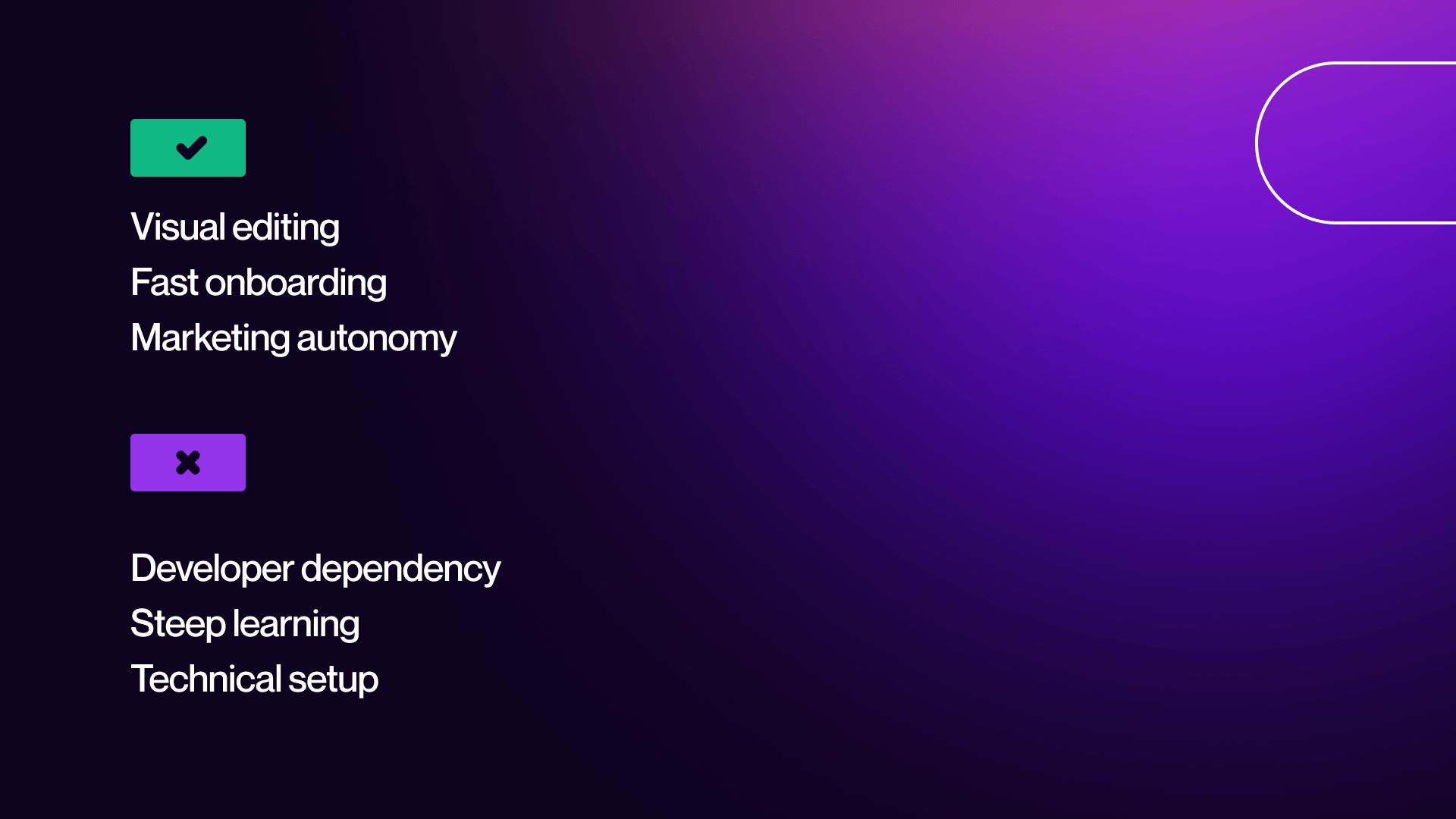
Ease of use isn't just "is the interface pretty?", it's whether your marketing team can build pages, update content, adjust SEO, and run experiments without waiting in a backlog.
Depending on your stage (seed vs. Series B), the learning curve matters even more. Some tools take a week to feel natural; others take a month. The goal is picking the platform your team can adopt, not one that collects dust while the dev team rebuilds pages manually.
Setup Process
If you ask, “How long will it take to launch on this platform?" The honest answer is: it depends on the builder. Some platforms get you live in days, while others demand more technical setup or careful configuration.
Key setup considerations include:
- How fast can you ship your first version
- Whether you need devs involved at every step
- Onboarding resources (courses, templates, docs)
- Migration help if you're coming from another platform
User Experience for Admins
Once the site is live, the real test begins: can the marketing team work inside the platform without pulling a developer into every minor update? Some builders make this fast; others don’t.
Admin experience factors:
- Editing content quickly without breaking layouts
- Visual editing vs. writing code or wrestling with plugins
- Dashboard clarity: Can you find things without guessing?
- Team collaboration (permissions, roles, safe publishing)
For B2B SaaS teams, autonomy is the big goal, ideally:
- Marketers can update pages themselves
- New landing pages don't require dev cycles
- A/B tests can be launched without complex setups
- SEO updates are simple and safe
Support also matters, especially when you're scaling. Check if your platform offers:
- Strong documentation
- Large, active community for troubleshooting
- Direct support channels
- An established agency ecosystem, if you need outside help
Platforms like Webflow and HubSpot CMS tend to give marketing teams the cleanest admin experience, while WordPress requires more discipline and technical know-how to keep things smooth.
Ease of Use Comparison
Setup & Learning
Day-to-Day Use
Marketing Team Autonomy
Support & Resources
Best For:
Note: HubSpot CMS and Squarespace are the most accessible for non-technical teams. While Webflow has a steeper initial learning curve, it offers the ultimate balance of creative power and marketing autonomy once the team is onboarded.
Performance Optimization and Analytics
Performance and analytics are the two factors that directly shape conversion rates, rankings, and teamwork. B2B SaaS teams often underestimate how much hosting, load time, and tracking setup influence revenue.
But the truth is pretty simple:
If your site loads slowly or your analytics don't give you clean data, everything downstream, ads, SEO, nurture sequences, and demos get blurred.
So performance optimization and measurement tools aren't "nice additions", they're core to scaling.
Hosting and Speed Optimization
Hosting is one of those things people ignore until it becomes a problem. Different platforms approach it very differently: some bundle world-class hosting, others push that responsibility to you (and your budget).
Key hosting considerations:
- Whether hosting is included or external
- Presence of a global CDN
- Edge caching for faster international loads
- Automatic image optimization (huge impact on speed)
Speed optimization is where performance really shows up:
- Built-in optimizations vs. plugin-dependence
- Core Web Vitals support (Google watches this like a hawk)
- Lazy loading for images and videos
- Clean, efficient code output
Why speed matters (and it really does):
- A 1-second delay can cut conversions by ~7%
- Google uses speed and CWV as ranking factors
- Users bounce faster when a page "feels heavy."
Speed is one of those invisible advantages that adds up across every funnel.
Analytics and Reporting
After performance comes visibility. Without solid analytics, your team is flying in fog. Some platforms include basic reporting, others rely entirely on third-party tools.
Built-in analytics usually cover:
- Basic traffic metrics
- Page performance
- Form conversion analytics
- User behavior snapshots
But most B2B SaaS teams rely on external tools for deeper insights.
A strong platform should easily integrate:
- Google Analytics 4 (standard for most SaaS)
- Google Tag Manager for scripts and events
- Custom event tracking (pricing clicks, feature engagement, scroll depth)
- Conversion tracking for ads and lifecycle reporting
As your team matures, analytics becomes a revenue driver, not just a reporting checkbox. A website builder that supports clean, reliable data will save marketing and RevOps countless hours downstream.
Performance & Analytics Comparison
Speed & Core Web Vitals
Hosting & Infrastructure
Why Speed Matters for B2B SaaS
Analytics Capabilities
Recommended Analytics Stack
Note: Webflow and Framer typically offer the best out-of-the-box performance due to clean code and integrated hosting. WordPress performance is highly powerful but varies widely based on the quality of your hosting, theme choice, and plugin bloat.
Need help choosing or building? Let's talk. → Work with Veza
Comparison of Top Website Builders for B2B SaaS
With such a wide range of the best no-code website builders, choosing the right platform isn’t just about comparing features.. It's a long-term decision about workflow, scalability, and how fast your go-to-market team can operate without bottlenecks.
Most B2B SaaS companies eventually need a mix of design flexibility, speed, CMS power, and marketing autonomy, and not all platforms deliver those equally. Below is a grounded look at the major players, their strengths, their limitations, and which teams they're actually right for.
Key Players in the Market
Webflow
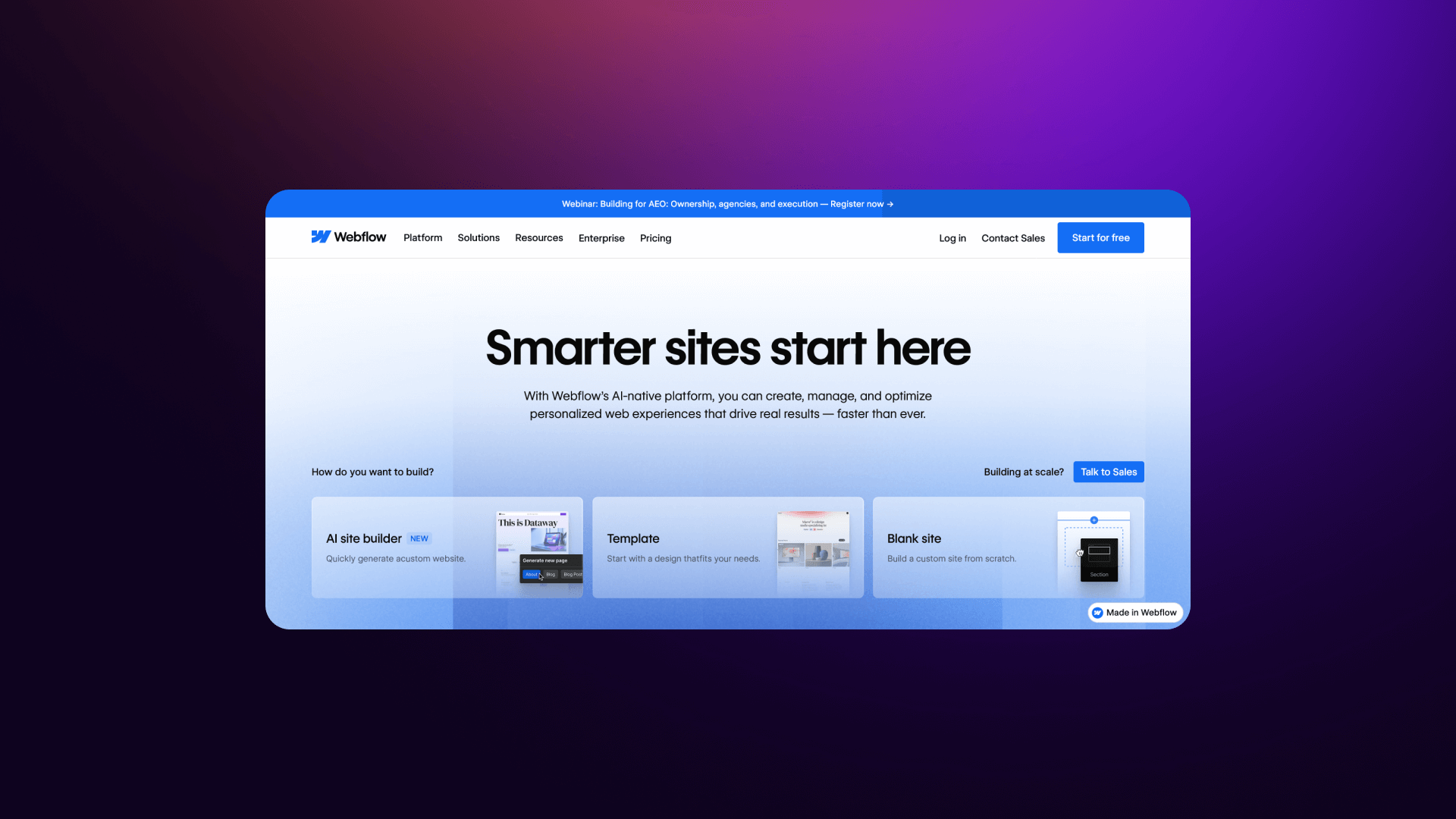
Webflow has become the default choice for modern B2B SaaS websites and for good reason. You get professional-grade design control with direct UX optimization in Webflow. Also, the platform offers a structured CMS, global hosting, and clean performance out of the box. It gives teams the ability to design with freedom while still maintaining a scalable content system.
- Strengths: Full design control, excellent CMS for marketing teams, hosting included, strong performance, optimizing
- Weaknesses: Medium learning curve, not built for complex web apps.
- Pricing: $29/mo (CMS) up to custom Enterprise plans.
- Verdict: The best overall fit for most SaaS companies that want a professional, scalable, high-performing marketing site.
If you’re ready to make a switch, we offer expert Webflow migration services for B2B SaaS companies.
WordPress
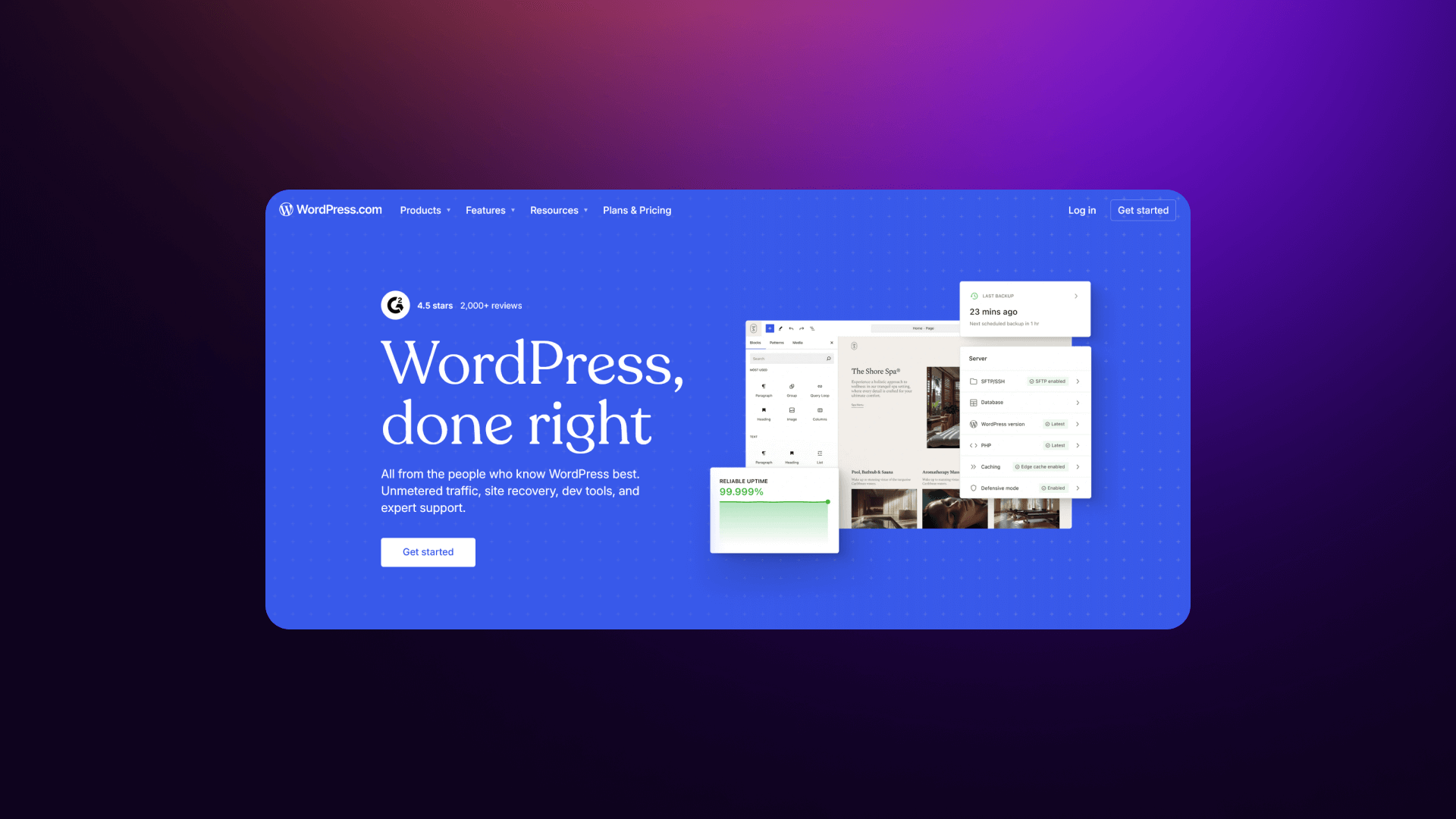
WordPress is still the most flexible option on the market, but flexibility has trade-offs. With the right hosting, theme, and plugin stack, you can build anything. However, the burden is on you (or your agency) to maintain it. It excels for content-heavy businesses, SEO-first teams, or companies that need custom backend logic.
- Strengths: Enormous plugin ecosystem, full code access, huge community.
- Weaknesses: Ongoing maintenance, security risks, and can get bloated fast.
- Pricing: Free plus hosting ($20-$500+ per month depending on stack).
- Verdict: Best for content-led or highly customized needs, but heavier to manage day-to-day.
HubSpot CMS
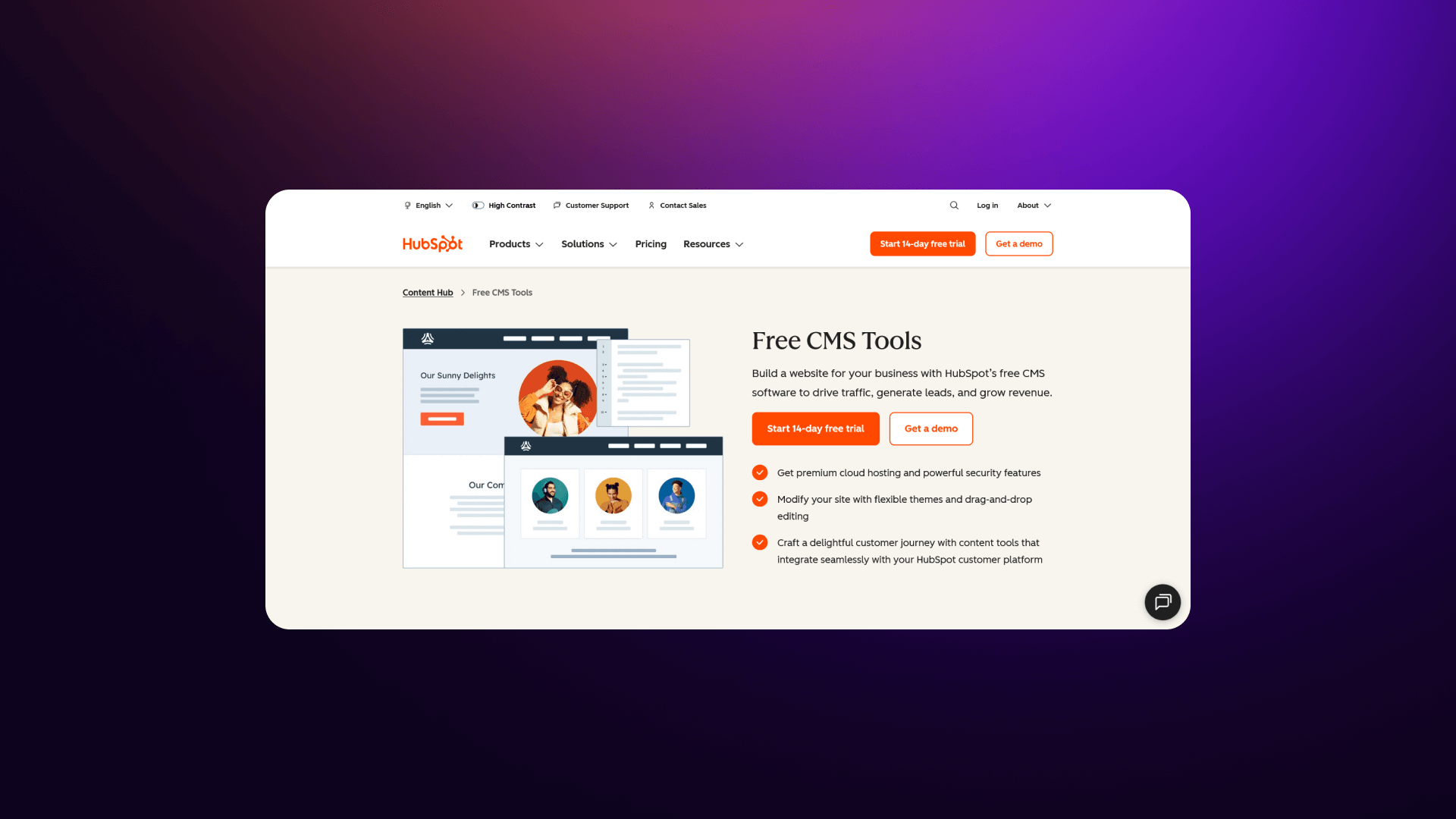
HubSpot CMS is built for teams already living inside HubSpot. The big win is native CRM integration forms, personalization, and workflows all under one roof. The trade-off is less design freedom and higher costs as you scale.
- Strengths: Integrated CRM, marketing automation, and built-in reporting.
- Weaknesses: Design limitations, more expensive at higher tiers.
- Pricing: $25/mo to $1,200+/mo.
- Verdict: Ideal if your sales and marketing ecosystem already runs on HubSpot.
Framer
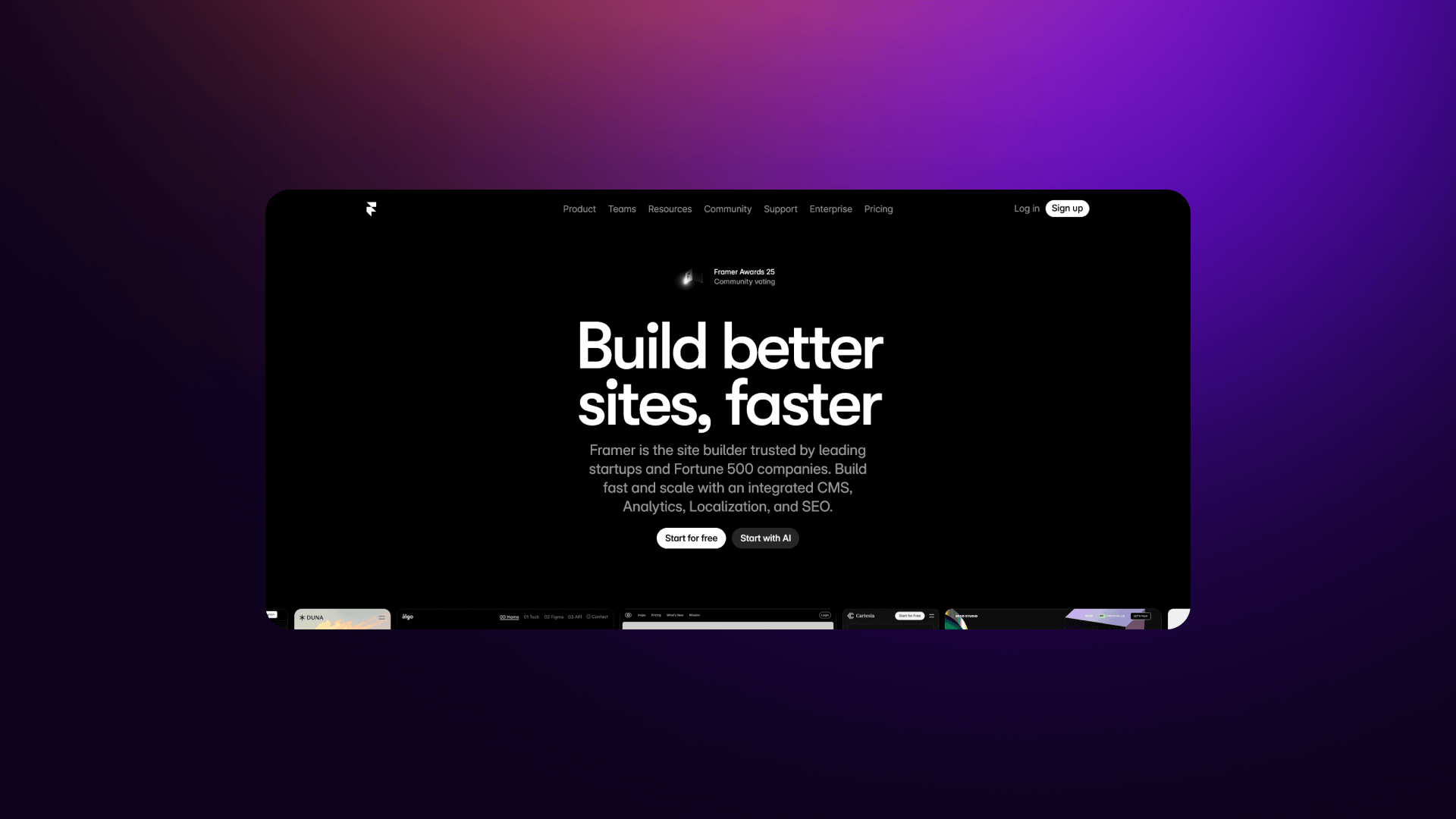
Framer is the designer's dream: smooth animations, polished visuals, and incredibly fast iteration. For early-stage startups needing a beautiful site quickly, it's hard to beat. But a limited CMS structure and fewer integrations make it harder to scale.
- Strengths: Beautiful design, modern animations, very fast to build.
- Weaknesses: Limited CMS, weaker integration ecosystem, not enterprise-ready.
- Pricing: $15-$30/mo.
- Verdict: Great for early-stage SaaS and MVPs, but most teams outgrow it.
Squarespace / Wix
These platforms are built for simplicity. If you need a site live tomorrow with zero tech effort, they work. But for B2B SaaS, you'll run into limitations quickly, especially around CMS structure, integrations, and customization.
- Strengths: Easy to use, fast setup, good templates.
- Weaknesses: Limited flexibility, weaker integrations, not ideal for scalable SaaS sites.
- Pricing: $16-$50/mo.
- Verdict: Fine for early prototypes or very simple sites, but generally outgrown within a year by SaaS teams.
Check out the best Squarespace alternatives.
Platform Pros and Cons of Each Platform for B2B SaaS
Webflow
WordPress
HubSpot CMS
Framer
Squarespace
Summary Comparison
Final Recommendations by Use Case
By Company Stage
By Team Composition
By Priority
By Budget
Veza Digital's Final Recommendation
For most B2B SaaS companies, we recommend Webflow because:
- Design flexibility - Create unique, conversion-focused pages that stand out.
- Built-in CMS - Scale content marketing without the complexity of WordPress.
- Hosting included - Fast, reliable, and backed by a global CDN.
- Integrations - Seamless connections with HubSpot, Salesforce, and Zapier.
- Team autonomy - Marketing can ship updates without waiting on developer backlogs.
- Scalability - A platform that grows smoothly from the seed stage to enterprise.
- Agency ecosystem - Easy access to experts (like us!) who specialize in the platform.
The Exception: If your strategy is strictly content-led (blog-heavy) or requires highly custom backend logic, WordPress may be better. If your entire operation is already built into the HubSpot ecosystem, HubSpot CMS is the logical path.
Conclusion
Choosing the right website platform directly shapes how quickly your B2B SaaS company can grow. Your website sits at the center of demand generation, sales enablement, product education, and trust-building.
Because of this central role, the platform you choose determines how agile your marketing team can be, how well you integrate with your CRM and automation tools, and how confidently you can scale.
For most B2B SaaS companies, Webflow delivers the strongest balance of design freedom, performance, integrations, and scalability. WordPress remains a smart choice for content-heavy or highly customized needs, while HubSpot CMS is ideal for teams already embedded in the HubSpot ecosystem.
Ultimately, the right choice depends on your stage and priorities.
Key takeaways
- Prioritize CRM and marketing integrations that directly affect lead flow.
- Ensure the marketing team can operate autonomously.
- High-quality design builds trust and supports conversions.
- Strong performance and Core Web Vitals impact rankings and demos booked.
Choose a platform that can scale with traffic, content, and team size.
Decision framework (quick guide)
- Early stage + design focus - Framer or Webflow
- Growth stage - Webflow
- Enterprise - Webflow Enterprise
- Content-first - WordPress
- HubSpot-native teams - HubSpot CMS
Why Veza Digital?
- Webflow specialists focused on high-performing B2B SaaS websites
- Deep understanding of SaaS growth, conversions, and GTM needs
- We build websites that generate pipeline, not just look good
- Includes ongoing support, optimization, and CRO guidance
Ready to build a B2B SaaS website that generates leads? Veza Digital specializes in Webflow websites for B2B SaaS companies. Let's discuss how we can help you grow.
Schedule a consultation
FAQ
What is the best website builder for B2B SaaS?
For most B2B SaaS companies, Webflow stands out as the best overall choice. It hits the right balance between design flexibility, CMS strength, performance, and integrations without the constant maintenance headaches that come with other platforms.
Webflow also gives marketing teams a lot more autonomy, which is a big deal as you grow and need to ship pages fast. WordPress, HubSpot CMS, and Framer all have their place, but if you want a platform that scales with traffic, supports advanced design, and keeps things efficient for your team, Webflow usually wins.
Why does website platform choice matter for SaaS companies?
Your website is the engine behind your entire GTM motion, demand gen, content marketing, sales enablement, and even onboarding. If the platform can't integrate cleanly with your CRM, marketing automation, analytics, or personalization tools, your team hits friction everywhere.
The wrong platform forces you into dev bottlenecks, higher maintenance costs, and slower iteration cycles. A strong platform, on the other hand, gives marketers control, handles performance automatically, and grows with you as you scale traffic and content. In B2B SaaS, the platform isn't just "where your site lives": it shapes how fast your team can move.
Should B2B SaaS companies use WordPress or Webflow?
It depends on your priorities. Webflow is better for most SaaS marketing sites thanks to its visual editing, fast hosting, modern design system capabilities, and lower maintenance. Marketing teams can ship without depending on developers, which heavily impacts growth.
WordPress, on the other hand, is ideal if you're content-heavy, need deep customization, or rely on specific plugins. But it does come with plugin management, security risks, and hosting variations. For 80% of SaaS companies, especially those focused on conversions, Webflow is the more scalable and efficient option.
What integrations do B2B SaaS websites need?
At minimum, SaaS websites need CRM integrations (HubSpot, Salesforce, Pipedrive), marketing automation (HubSpot, Marketo, Mailchimp, Klaviyo), analytics tracking, and some workflow automation (Zapier, Make, direct API connections). Additional helpful integrations include calendar booking tools like Calendly or Chili Piper, personalization platforms like Mutiny, and behavior tracking tools such as Hotjar or FullStory.
These integrations help ensure leads flow correctly, sales get the data they need, and marketing can personalize based on user activity. The stronger the integration layer, the more your website supports pipeline creation.
How important is CMS functionality for SaaS websites?
CMS functionality is critical for B2B SaaS because content is one of the primary drivers of growth. SEO, product education, webinars, thought leadership, and release notes all depend on it. A strong CMS lets marketing teams publish quickly, organize content at scale, build new page types, and maintain structure without relying on developers.
Without a flexible CMS, you get bottlenecks, inconsistent formatting, and a slower time to market. SaaS companies that take content seriously almost always outperform those that treat their CMS as an afterthought. It's one of the core foundations of scalable marketing.
What CRO features should SaaS website builders have?
You'll want a platform with flexible landing page creation, strong form-building tools, the ability to run A/B tests, support for dynamic content or personalization, and integrations with CRO tools like Hotjar, FullStory, VWO, or Optimizely.
Multi-step forms, conditional logic, and form analytics also help improve conversion rates. For SaaS, CRO isn't optional; demo requests, trials, and product signups depend on it. The builder should make it easy for marketing teams to launch experiments quickly without waiting on engineering, since the speed of iteration directly impacts the pipeline.
Is Webflow good for B2B SaaS websites?
Yes, Webflow is one of the strongest options for B2B SaaS. It combines enterprise-grade hosting, a powerful CMS, full design freedom, and the integrations most SaaS teams rely on. Unlike WordPress, Webflow doesn't require plugin updates, maintenance, or separate hosting, making it more stable long-term.
Marketing teams appreciate its visual editor, which lets them update pages, run campaigns, and launch landing pages without developer involvement. For companies that care about brand credibility, performance, and CRO, Webflow usually delivers the best balance of speed and control.
Can Framer scale for growing SaaS companies?
Framer is great for early-stage startups that want beautiful, animation-rich sites without a big budget. But as you grow, Framer's limitations start showing, especially with CMS depth, integrations, and multi-language or multi-site needs.
It handles speed and design extremely well, but when a SaaS company hits the scale-up stage, it usually needs a stronger CMS structure, more automation options, and deeper CRM connectivity. Framer can work long-term for simple marketing sites, but most SaaS teams outgrow it by Series A/B.
Is HubSpot CMS worth it for B2B SaaS?
HubSpot CMS is worth it if your company is already deep in the HubSpot ecosystem. The native CRM integration, automation tools, and reporting features make operations simpler for teams that want an all-in-one solution.
However, design flexibility, customization, and advanced layout control are more limited compared to Webflow or WordPress. Pricing also scales quickly as you grow. For SaaS companies that want a clean, integrated GTM stack, HubSpot CMS is a strong contender, but for brand-focused or design-driven sites, it may feel restrictive.
How much does a B2B SaaS website cost to build?
Costs vary widely depending on scope, complexity, and platform. A simple early-stage SaaS site might cost $8k-$20k, while a full-scale growth-stage site with custom design, CMS structures, integrations, and SEO prep can land between $25k-$60k.
Enterprise websites with multi-language setups, advanced CMS, and heavy integrations can reach $80k+. Platform choice also affects cost: WordPress requires ongoing maintenance and plugin updates, Webflow is lighter on long-term costs, and HubSpot CMS can get expensive due to tiered pricing. Ultimately, the real expense comes from complexity, not just the platform.
How long does it take to build a SaaS marketing website?
A typical SaaS marketing site takes 4-12 weeks, depending on page count, content readiness, design complexity, and platform choice. Early-stage websites with simple structures can launch in 2-4 weeks, especially in Webflow or Framer. More complex sites, custom CMS, product pages, integrations, and multi-language support take 8-12 weeks.
Delays usually happen when teams are still finalizing positioning, copy, or product details. Using a SaaS-focused agency speeds things up significantly because they already know the structure, CTA flow, and best practices for conversions.
Should we hire an agency or build in-house?
If your team has design, development, and Webflow/WordPress expertise in-house, building internally can work, especially for small updates. But most SaaS companies benefit from hiring a specialized agency because they bring proven frameworks, faster execution, and CRO/SEO expertise.
Agencies also prevent the "endless iteration loop" that happens when internal teams try to design and build at the same time. For foundational website builds or rebrands, an agency is usually the best route. Once the site is live, your marketing team can own ongoing updates.