.jpeg)
Squarespace is easy to start, but that ease comes from a lack of control. This works for a simple site, but B2B teams hit a ceiling once marketing becomes a system. At that point, you need to change pages fast, manage deep SEO settings, and build layouts that do not exist inside a standard template. A pretty portfolio is no longer enough. You need a tool that functions as a growth engine.
There are many options, but only a few serve B2B needs well. These platforms offer more design freedom and better ways to scale. Webflow is the top choice for teams that want custom design and the ability to move fast without a developer. WordPress works for sites with thousands of articles. Shopify is the standard for selling products, while Wix remains an option for small, low-cost projects.
Abstract
Squarespace is built on a specific trade-off. It gives you an easy start by taking away your control, and for a new business, that is a fair deal. For a B2B team with a marketing strategy, it becomes a bottleneck.
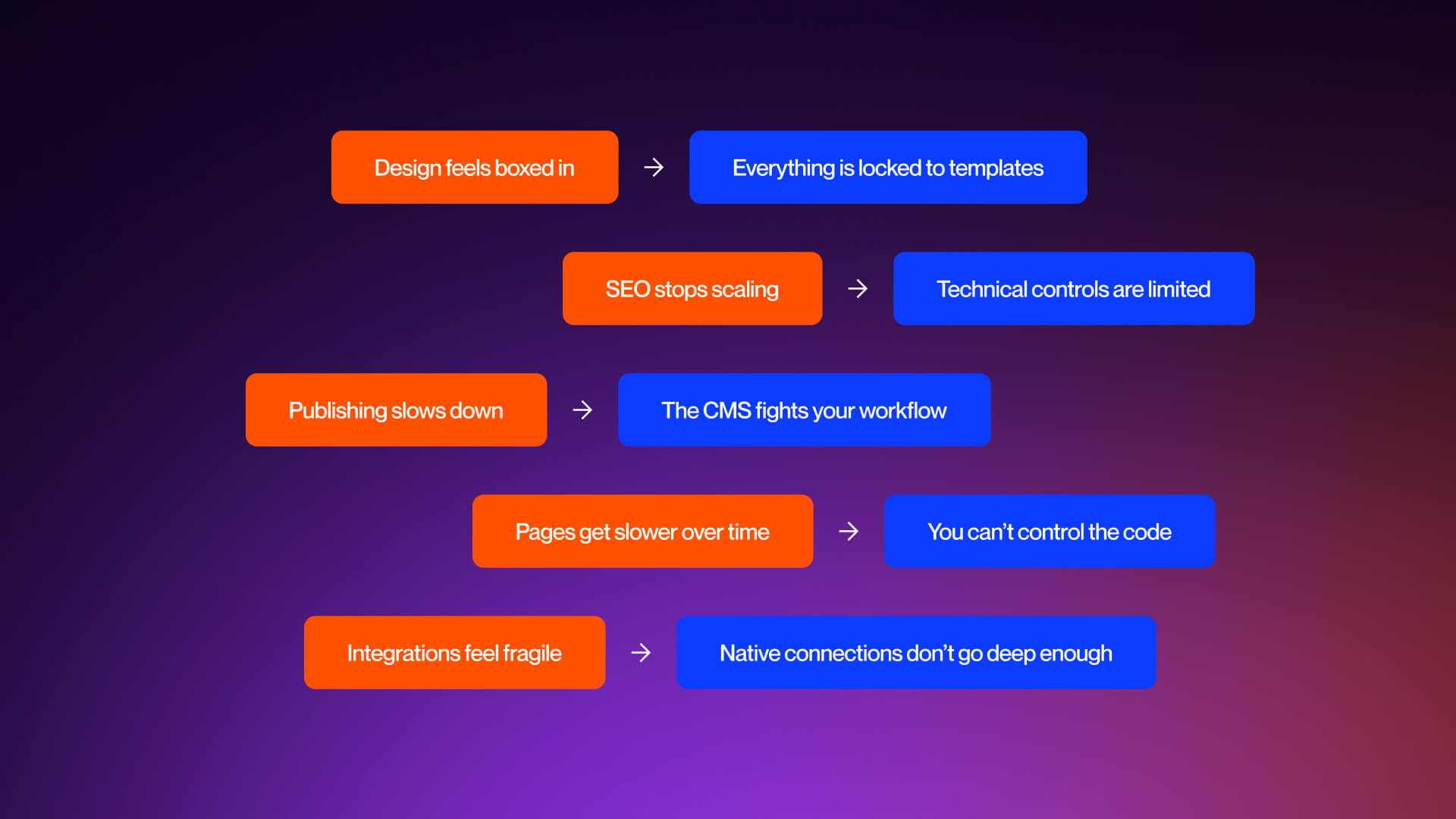
The problem usually shows up in three ways. First, the design feels rigid. Second, the SEO is basic. Third, the platform is slow to update. When these three things happen at once, the website stops being an asset and starts being a chore.
This guide looks at the platforms that solve the problems Squarespace creates. We focus on the mechanics of how these tools handle design, search, and team growth.
Quick-Reference Comparison Table
Quick Recommendation
If you're running a B2B SaaS company and your website needs to handle demand generation, SEO, and continuous updates, Webflow is a great place to start. It empowers marketing teams to take charge of custom B2B SaaS website design.
For businesses where content is a priority, WordPress remains a solid choice. If your main focus is selling products, then Shopify or BigCommerce will likely outperform the competition. For everything else, the trade-offs become more pronounced.
Next, we'll dive into each platform, one by one, based on how they actually perform as a company scales.
Why B2B Companies Outgrow Squarespace
This section explains why companies outgrow Squarespace and what to look for in a better platform.
The Squarespace Ceiling - When Good Enough Isn't Good Enough
Squarespace is built to simplify choices, which works well in the beginning.
You choose a template, add some pages, and hit publish. For photographers, restaurants, and solo consultants, that's often sufficient. The site is up, it looks good, and everything runs smoothly.
However, B2B companies face different pressures. Their pages aren't just brochures; they're essential sales tools. As their needs grow, the limitations of Squarespace become apparent quickly.
Design is the first hurdle. While Squarespace templates are visually appealing, they lack flexibility. Layouts adhere to strict guidelines, making it tough to create reusable custom elements. This can lead to inconsistencies in branding across different pages. Two landing pages that should feel connected can start to look quite different.
Then come the SEO challenges. You can't edit the robots.txt file, schema markup is limited, and URL structures are fixed in ways that can hinder long-term optimization. These aren't just minor issues; they're daily challenges for teams focused on content and demand generation.
Next, the CMS itself creates friction. Your content is trapped within Squarespace's framework, not yours. You find yourself adjusting your processes to fit the tool, which can lead to a halt in page creation as the system becomes a barrier.
As sites grow, performance tends to decline. Uncontrollable code accumulates, page speed suffers, and Core Web Vitals take a hit, which ultimately affects rankings.
Finally, integrations can be a major pain point. The native connections to tools like HubSpot or Salesforce are limited, and workarounds can pile up.
Squarespace Limitation Table
What to Look for in a Squarespace Alternative
Finding the right solution isn't just about cramming in "more features." It's really about having control where it counts the most.
#1 First, design flexibility is essential. You should be able to craft layouts that represent your brand, no shortcuts, no template constraints.
#2 Second, SEO control is non-negotiable. You need full access to redirects, metadata, schema, and technical settings
#3 Your CMS should mold itself to your content model, not the other way around. As your site grows, your pages, collections, and relationships should expand effortlessly.
#4 Fourth, performance matters. Reducing load time from six seconds to two can significantly boost conversion rates.
#5 Marketing teams need autonomy. If every small change requires a developer, progress stalls.
#6 Integrations should either be built-in or trustworthy. Your site needs to communicate smoothly with your tech stack.
#7 Finally, the platform should be designed for longevity. Having to switch again in just two years will end up costing you more than the initial move.
These are the key criteria that will guide our reviews of the platforms coming up next.
The 9 Best Squarespace Alternatives (Ranked)
Webflow: Best Overall for B2B Companies #1 Pick
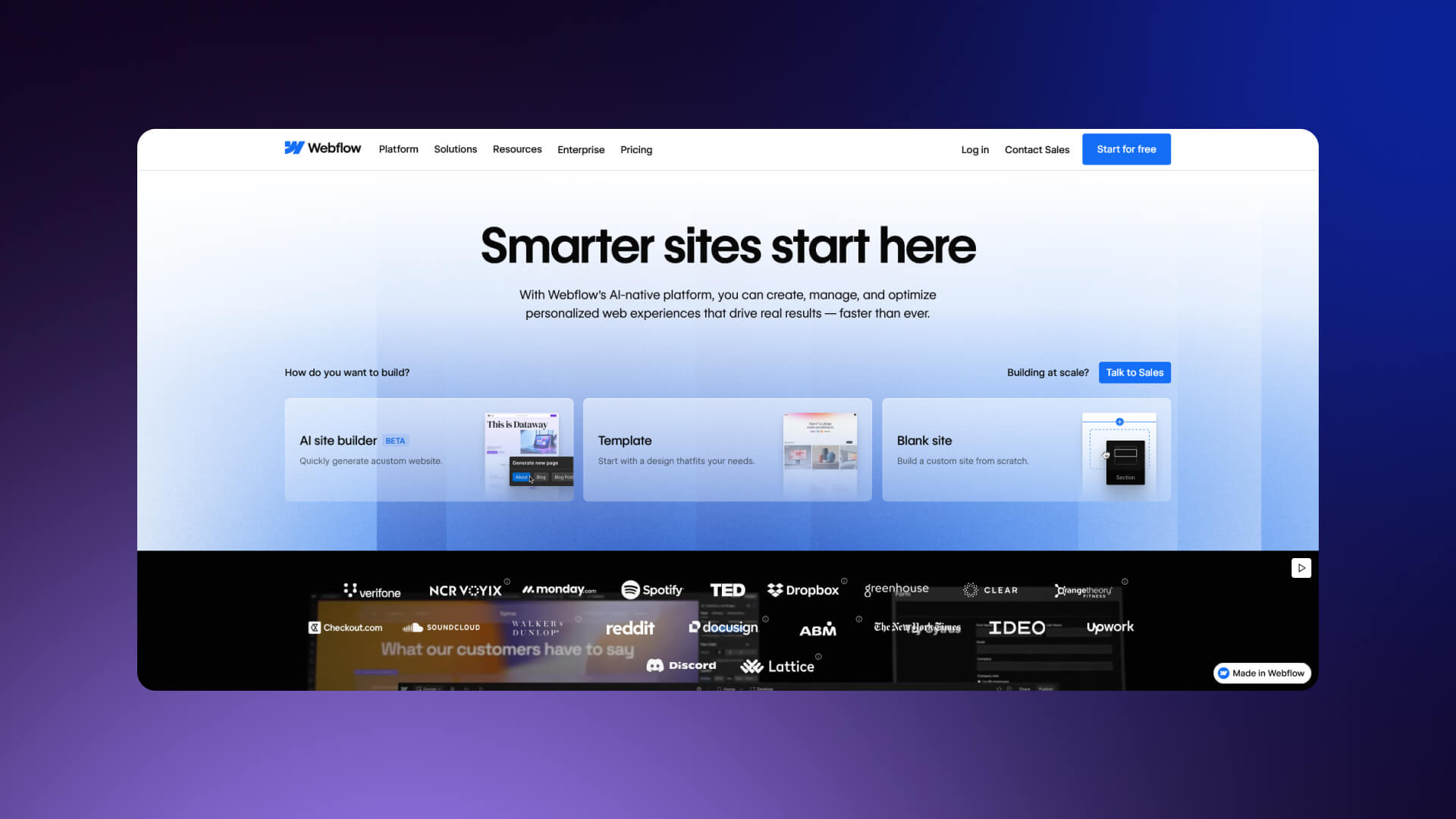
What it is
- Visual web development platform
- Outputs clean, production-ready HTML, CSS, and JavaScript
- No theme lock-in; design freedom built in
Why it's a strong alternative
- Pixel-perfect design control without writing code
- Full SEO access: 301 redirects, schema, clean URLs, editable sitemaps
- Powerful CMS handling complex content relationships
- Marketing teams can make updates without breaking layouts
- Hosting with global CDN and automatic SSL
- Native integrations plus Zapier/Make connectivity
Ideal for
- B2B SaaS companies
- Professional services firms
- Teams that want custom design without heavy development costs
Considerations
- Steeper learning curve than Squarespace or Wix
- Most companies hire an agency for the initial build
- Native ecommerce is capable but less robust than Shopify for large stores
Pricing
- Plans start at $14/mo
- Most B2B sites require CMS plan at $23/mo
Our take
"For B2B companies serious about their website as a growth channel, Webflow delivers enterprise-grade results at a fraction of custom development cost."
Webflow Feature Highlight Box
- Visual editor that outputs clean code
- Full technical SEO control
- Flexible CMS with relational data
- Global hosting with built-in performance
We have built over 50 B2B SaaS sites on Webflow, using our Webflow development services. The pattern is consistent: teams move faster, SEO improves, and design finally matches the product. If you want to see what that looks like in practice, Veza Digital builds and migrates B2B sites on Webflow every week.
WordPress (Self-Hosted): Best for Content-Heavy Sites #2
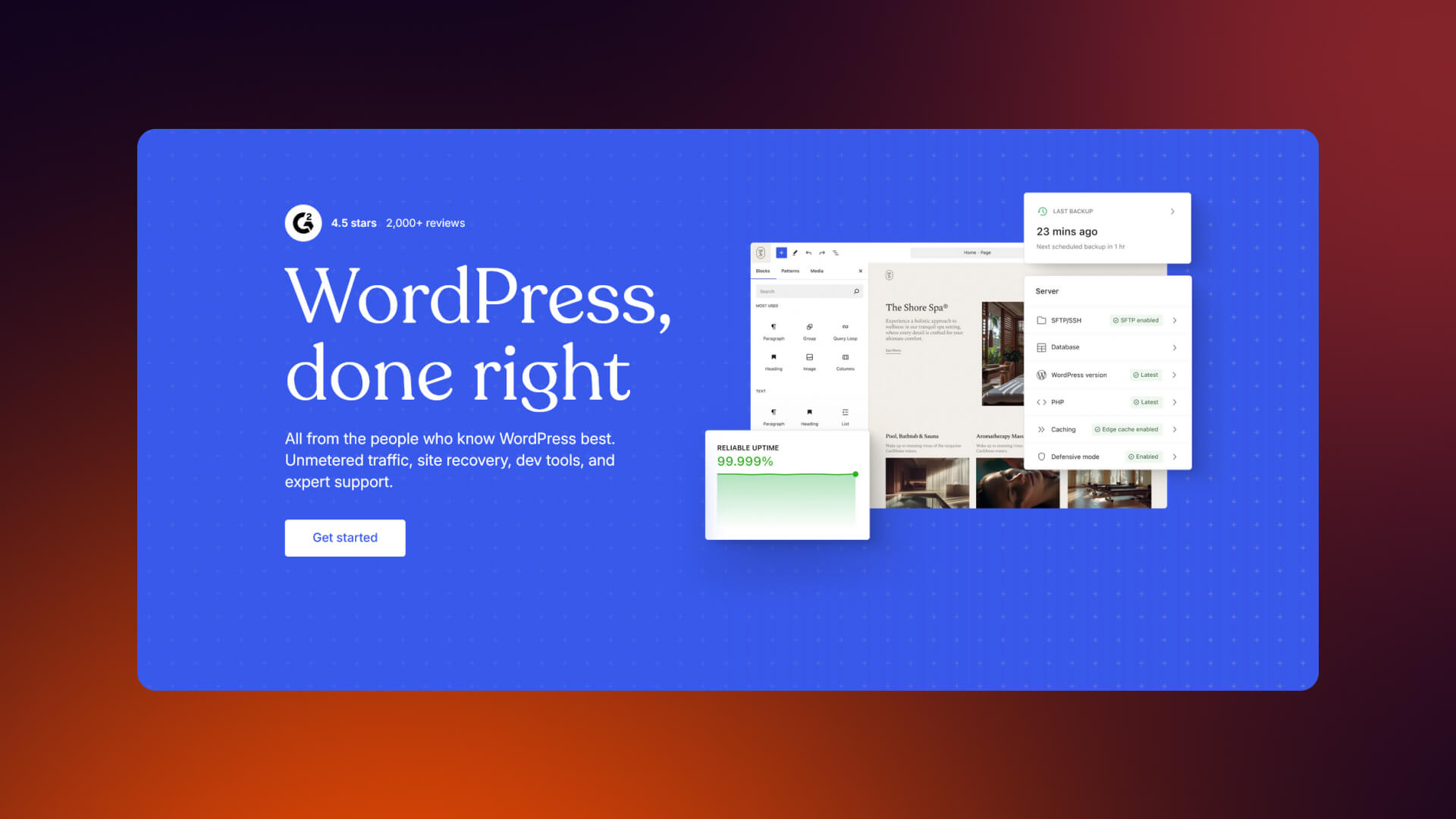
What it is
- Open-source content management system
- WordPress is self-hosted on your own infrastructure
- Powers a large portion of the public web
Why it's a strong alternative
- Unlimited flexibility through themes and plugins
- Mature ecosystem with long-term support
- Excellent for blogs, knowledge bases, and resource hubs
- Full SEO control using tools like Yoast or RankMath
- Complete ownership of content and data
Ideal for
- Media companies
- Content-first B2B organizations
- Teams with in-house development or technical partners
Considerations
- Hosting must be managed and maintained
- Security depends on regular updates
- Plugin conflicts can break features
- Performance varies by setup
- Design quality depends on theme and build quality
Pricing
- Core software: Free
- Hosting: $10-$50+ per month
- Themes and plugins: Varies
Versus Webflow
- WordPress offers more plugins and extensibility
- Webflow offers a cleaner design workflow
- Webflow requires less ongoing maintenance
For a full comparison, read our Webflow vs WordPress article.
WordPress is not a fallback, and for content-heavy operations, it is often the right tool.
Shopify: Best for E-commerce-First Businesses Best for Ecom

What it is
- Purpose-built ecommerce platform
- Handles inventory, shipping, payments, and taxes
- PCI-compliant and secure
- Why it's a strong alternative
- Robust out-of-the-box ecommerce functionality
- Massive app ecosystem for advanced features
- Reliable and scalable for growing stores
- Supports multi-channel selling
Ideal for
- D2C brands
- Product-focused businesses
- Serious ecommerce operations
Considerations
- Design limited by Liquid theme system
- Monthly fees plus transaction costs (unless using Shopify Payments)
- Not ideal for content-heavy or service-based businesses
Pricing
- Basic plan: $29/mo + transaction fees
- Higher plans scale with features and revenue
Versus Webflow
- Shopify wins on ecommerce depth
- Webflow wins on custom design and frontend flexibility
- Webflow + Shopify integration can offer the best of both worlds
Wix: Best Budget-Friendly Option, Budget Pick
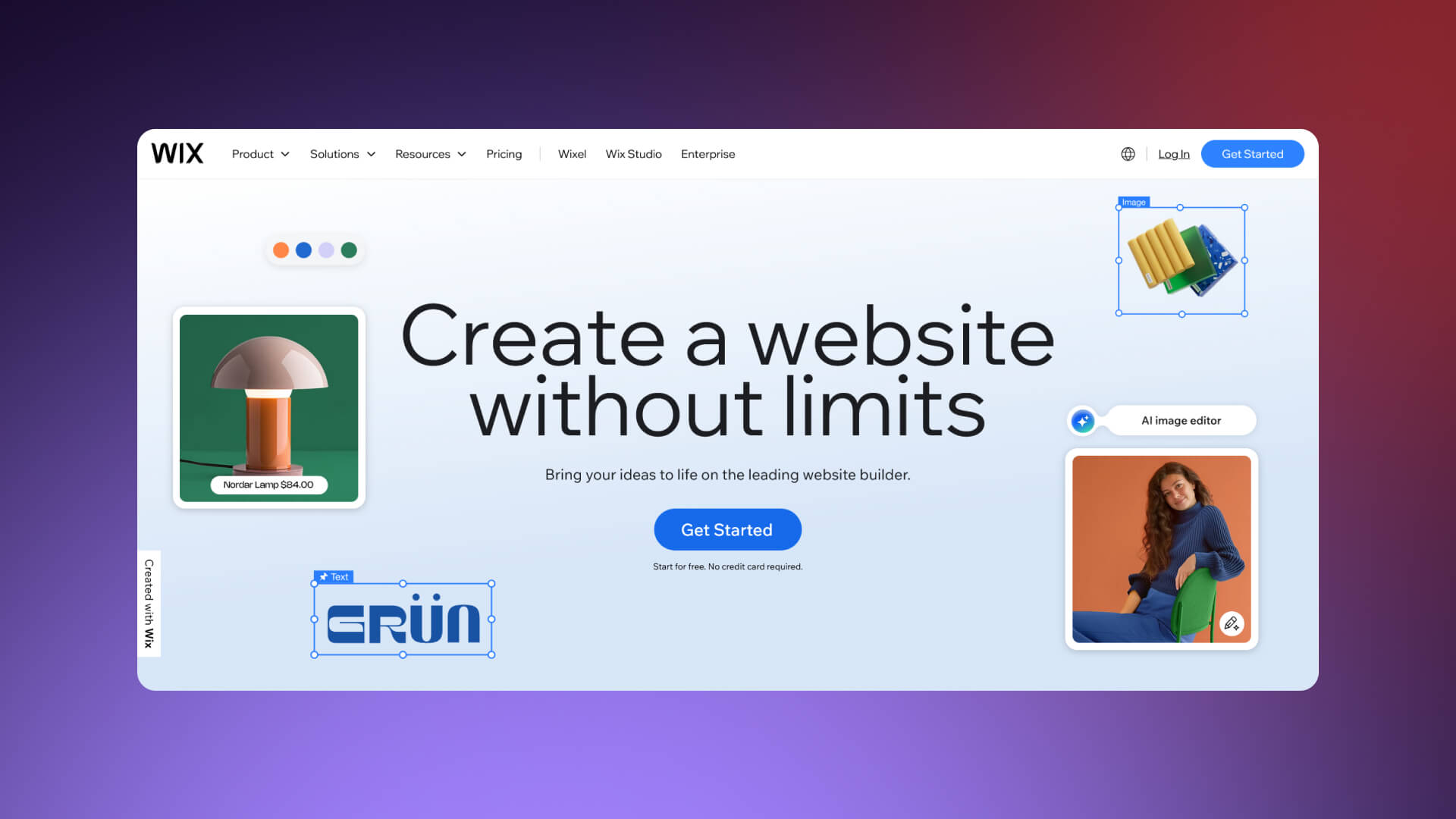
What it is
- Drag-and-drop website builder for beginners
- AI-assisted site creation via Wix ADI
- Large library of templates
Why it's a strong alternative
- Extremely easy to use; minimal learning curve
- Affordable pricing tiers
- Quick to launch simple websites
Ideal for
- Small businesses
- Solopreneurs
- Budget-conscious projects
Considerations
- Design flexibility limited compared to Webflow
- SEO improved but still constrained
- Templates can feel "cookie-cutter"
- Less suitable for complex B2B requirements
Pricing
- Wix pricing: Business plans start from $17/mo
Versus Webflow
- Wix is easier and cheaper
- Webflow offers more professional, scalable results
Framer: Rising Star for Design-Forward Startups

What it is
- Design-to-website tool with strong Figma integration
- Focused on smooth animations and interactions
- Rapidly evolving platform
Why it's a strong alternative
- Beautiful, highly interactive designs
- Excellent Figma-to-Framer workflow
- Innovative features for marketing sites and landing pages
Ideal for
- Design-focused startups
- Teams already working in Figma
- Marketing landing pages
Considerations
- CMS less mature than Webflow
- Smaller ecosystem and community
- SEO tools still developing
- Newer platform = less proven at scale
Pricing
- Site plans from $15/mo
Versus Webflow
- Framer excels at modern design
- Webflow provides more mature CMS, SEO, and enterprise capabilities
Webflow + Shopify Integration: Best Hybrid for Design + Ecommerce
Webflow-shopify-homepages
Alt: A screenshot of the Webflow and Shopify homepages.
What it is
- Frontend built in Webflow
- Ecommerce backend handled by Shopify
- Combines design freedom with robust commerce
Why it's a strong alternative
- Best of both worlds: pixel-perfect design + ecommerce scale
- Custom storefronts beyond Shopify themes
- Shopify handles checkout, payments, and inventory
Ideal for
- Brands needing standout shopping experiences
- Growing ecommerce businesses
- Teams wanting both design control and ecommerce robustness
Considerations
- More complex setup and maintenance
- Requires integration work (Buy Button, middleware, Storefront API)
- Higher total cost than using a single platform
Pricing
- Webflow pricing: $14-39/mo
- Shopify pricing: $29+/mo
When to choose
- When design control is critical for a store expected to scale
BigCommerce: Best for Large-Scale Ecommerce
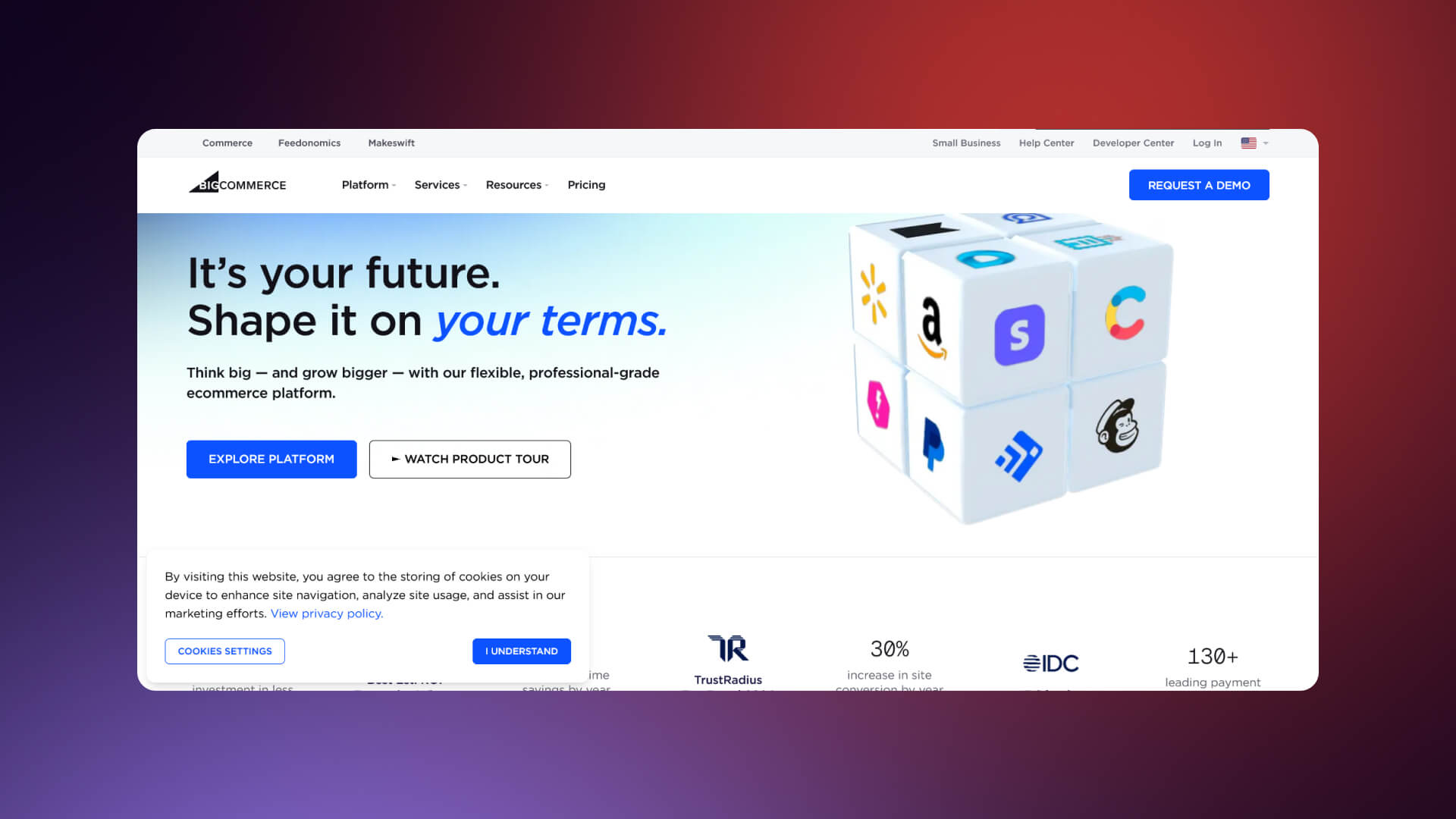
What it is
- Enterprise-focused ecommerce platform
- Supports B2B features and large catalogs
- Headless commerce options available
Why it's a strong alternative
- No transaction fees
- Supports quotes, customer groups, and B2B workflows
- Scales for multi-channel selling
Ideal for
- Large product catalogs
- B2B ecommerce operations
- Enterprise-level stores
Considerations
- Less design flexibility than Webflow
- Customization can be complex
- Higher learning curve than Shopify
Pricing
- From $29/mo, scaling with revenue
Duda: Best for Agencies Managing Client Sites

What it is
- Website builder designed for agencies
- Focused on client management and white-labeling
- Collaborative tools built-in
Why it's a strong alternative
- Excellent for client workflows
- Good design flexibility
- Strong mobile optimization
Ideal for
- Agencies building client websites
- SaaS platforms needing embedded site builders
- Teams managing multiple client projects
Considerations
- Less market recognition than Webflow
- Design flexibility below Webflow standards
- Smaller community and ecosystem
Pricing
- From $25/mo
Ghost: Best for Publishers and Newsletter Businesses

What it is
- Open-source publishing platform
- Built-in membership and newsletter features
- Lightweight, focused on content
Why it's a strong alternative
- Clean, fast, and minimal
- Native newsletter and membership support
- No plugin bloat
- Self-hostable or hosted options
Ideal for
- Publishers
- Newsletter creators
- Content-driven businesses
Considerations
- Limited design customization
- Not suitable for complex websites
- Self-hosting requires technical setup
Pricing
- Hosted: From $9/mo
- Self-hosted: Free
How to Choose: Decision Framework
Picking a website platform is not about popularity. It is about fit. Each tool solves certain problems. It also creates limits. You need to see both clearly.
The first step is to define your primary goal. Ask yourself: What does the site need to do? Generate leads? Sell products? Support content marketing? Host a newsletter? Serve multiple clients? The platform should match the priority.
The second step is to test constraints. Check design flexibility, CMS structure, SEO control, integrations, and cost. These factors matter more than templates or brand appeal.
Below is a clear table linking primary goals to the best platform choices. It lets you scan options and make a data-driven decision quickly.
Platform Recommendations by Primary Goal
Decision Flowchart
- Start with your primary goal.
- Check CMS, integrations, and performance needs.
- Confirm your team can maintain it.
This framework removes guesswork. It highlights trade-offs and clarifies which platform aligns with your goals. Pick with confidence.
The True Cost Comparison
Sticker price is not the full story. A platform may cost $14/mo but does not include design, plugins, maintenance, or your team's time. Here are the main factors to consider:
- Development and design - Building a site takes hours or weeks. A custom Webflow site may cost more upfront than Wix. But the workflow is faster long-term.
- Ongoing maintenance and updates - WordPress and Shopify often need patching, plugin updates, or troubleshooting. Webflow rarely does.
- Plugin or app costs - WordPress plugins add features but can cost $10-50/mo each. Shopify apps for shipping, subscriptions, or marketing add up.
- Transaction fees - Shopify and BigCommerce charge unless you meet certain conditions.
- Your team's time - Manual updates, broken integrations, or page fixes cost hours each week.
True cost is a combination of platform, build, and operational effort. ROI is what matters. A $20K Webflow site generating leads beats a $500 Wix site that sits idle.
Migration Considerations
Moving from Squarespace takes planning, and it’s rarely plug-and-play.
Here is how it happens:
- Content migration is usually manual, blogs, pages, and media need to be recreated.
- URL redirects are critical for SEO, meaning old URLs must map to new ones to avoid broken links.
- Design recreation or redesign is often required because Squarespace templates rarely map 1:1 to other platforms.
- Integration reconnection is next - CRMs, analytics, forms, and marketing tools need to be reconnected or rebuilt.
- Timeline expectations vary. Small sites may take 4 weeks, while complex B2B or ecommerce sites can take 12 weeks or more.
When to get help:
- Complex sites
- SEO-critical businesses
- Tight launch timelines
Planning a Squarespace migration? See our Squarespace to Webflow migration guide or schedule a consultation.
Our Verdict: Why Webflow Wins for B2B
For B2B companies, a website is a part of growth. Webflow delivers in ways other platforms struggle to match.
- Design that differentiates your brand. Layouts are fully custom. Components behave consistently. Every page can look unique without breaking the system.
- SEO control that drives organic growth. You control redirects, metadata, schema, and URLs. Nothing is hidden. Performance is fast. Crawlers can index everything you want.
- Marketing team autonomy that accelerates execution. Editors update content without touching code. Launching campaigns or landing pages does not require a developer every time.
- Performance that converts visitors. Hosting is global. SSL is automatic. Code is clean. Page speed remains high even as the site grows.
- Scalability that grows with you. CMS handles complex content relationships. Integrations connect to your MarTech stack. Expansion does not break the site.
Some hesitate because Webflow has a learning curve. That curve matters for building, not editing. Most B2B companies hire an agency for the initial build. The investment pays back in faster marketing execution and fewer headaches.
When NOT to choose Webflow:
- You need large-scale ecommerce with thousands of SKUs - Shopify
- You are a publisher focused on membership or newsletters - Ghost
- Budget is very limited and the site is simple - Wix
- Your team already has WordPress expertise - WordPress
Webflow is for teams that take the website seriously. It turns the site into a growth engine, not a placeholder.
Ready to see what Webflow can do for your B2B website? Explore our B2B SaaS website portfolio or schedule a strategy call.
Squarespace Alternative Selection Scorecard
Use this scorecard to evaluate platforms systematically. Assign your own scores 1-5 for each criterion. Multiply by the weight to get a weighted score. Add up totals to see which platform fits your needs best.
Platform Selection Criteria (Weighted Scoring)
Scoring Guide
- Multiply each score by the weight to get a weighted score.
- Add all weighted scores to get the total for each platform.
- Highest total = best fit for your business priorities.
Platform Comparison – Weighted Scoring Overview
Frequently Asked Questions
Platform Comparisons
What is the best alternative to Squarespace?
The best alternative depends on your goals. For B2B companies needing custom design and lead generation, Webflow is top. For content-heavy sites, WordPress works best. Ecommerce-focused businesses benefit from Shopify or BigCommerce. For simple, low-cost sites, Wix is effective. Hybrid needs can be met with Webflow + Shopify. The right choice matches your design, SEO, and scalability requirements.
Is Webflow better than Squarespace?
Yes, for B2B growth-focused sites. Webflow offers full design freedom, advanced SEO control, a powerful CMS, and scalable hosting. Marketing teams can update content without breaking layouts. Squarespace is easier for beginners but limits customization, SEO, and integrations. Webflow's initial learning curve exists, but it pays off in performance, speed, and marketing autonomy. See Webflow pricing
for plan details.
Is WordPress better than Squarespace?
WordPress excels for content-heavy sites. It provides unlimited flexibility through plugins, full SEO control, and ownership of content. Squarespace is simpler but restricts templates, CMS structure, and technical SEO. WordPress requires hosting, updates, and occasional plugin troubleshooting, but it scales well for blogs, resource hubs, and membership-driven content. Learn more at WordPress.org
What is the best website builder for small business?
For small businesses with simple websites, Wix or Squarespace is usually sufficient. They are easy to use and affordable. If the business expects to scale, generate leads, or customize design heavily, Webflow is a better long-term investment despite a higher initial build cost.
Features & Capabilities
Which Squarespace alternative is best for SEO?
Webflow and WordPress offer the most robust SEO tools. Webflow gives full control over redirects, metadata, URLs, and schema. WordPress can achieve similar SEO power via plugins like Yoast or RankMath. Wix and Squarespace have improved SEO but remain limited for complex B2B requirements. For technical guidance, see Google Core Web Vitals
What is the best Squarespace alternative for ecommerce?
For product-heavy stores, Shopify is the most capable. BigCommerce works well for enterprise-level ecommerce. Webflow can handle smaller stores or hybrid setups, especially when paired with Shopify for checkout and inventory. Wix supports simple online stores but struggles with scaling.
Which website builder has the best templates?
Squarespace, Wix, and Webflow offer high-quality templates. Squarespace templates are polished and beginner-friendly. Wix has a large, flexible library. Webflow templates are professional and fully customizable, making them ideal for B2B and SaaS branding.
What is the easiest Squarespace alternative to use?
Wix is the easiest for beginners. Squarespace is also user-friendly. Webflow is more complex but manageable once built. WordPress requires technical knowledge for setup and plugin management.
Cost & Value
What is the cheapest Squarespace alternative?
Wix offers the lowest upfront cost. Squarespace templates cost more but include hosting. WordPress is free software but hosting, themes, and plugins add costs. Webflow's plans are moderate, but reduced maintenance and higher ROI can justify the investment. See Wix pricing
Is Webflow worth the cost?
Yes, for B2B companies. Webflow reduces maintenance, gives complete design and SEO control, and allows marketing teams to work independently. The initial build cost pays off with higher conversion rates and faster campaigns.
Are there any free alternatives to Squarespace?
Yes. WordPress can be self-hosted for free. Ghost also offers a free self-hosted version. Wix has a limited free plan. Most free options come with branding, limited features, or hosting constraints.
Migration & Switching
How do I migrate from Squarespace to Webflow?
Export content from Squarespace (blog posts, pages, images). Recreate layouts in Webflow. Set up CMS collections, integrate forms, and configure SEO. Implement URL redirects to maintain search rankings. Complex sites often benefit from agency support.
Can I transfer my Squarespace site to WordPress?
Yes, but it requires exporting content and importing it into WordPress. Pages and posts may need formatting adjustments. Templates do not transfer, so design recreation is required. Plugins handle functionality like forms or SEO.
Will I lose SEO rankings if I switch from Squarespace?
If URL structure, redirects, metadata, and content are preserved, SEO loss is minimal. Ignoring redirects or changing page hierarchy can reduce traffic. Careful planning ensures rankings remain stable.